


12 DJI Osmo Pocket 4 Features You’ll Actually Use
Hidden controls, 4K/240fps slow motion, ActiveTrack 7.0, 14-stop D-Log, 107GB storage and the practical limitations every buyer should understand.
The most important Pocket 4 upgrades are not just resolution numbers: faster access, stronger subject tracking, internal storage and a better solo-creator workflow are what make the camera meaningfully easier to use.
DJI Osmo Pocket 4: the numbers that matter
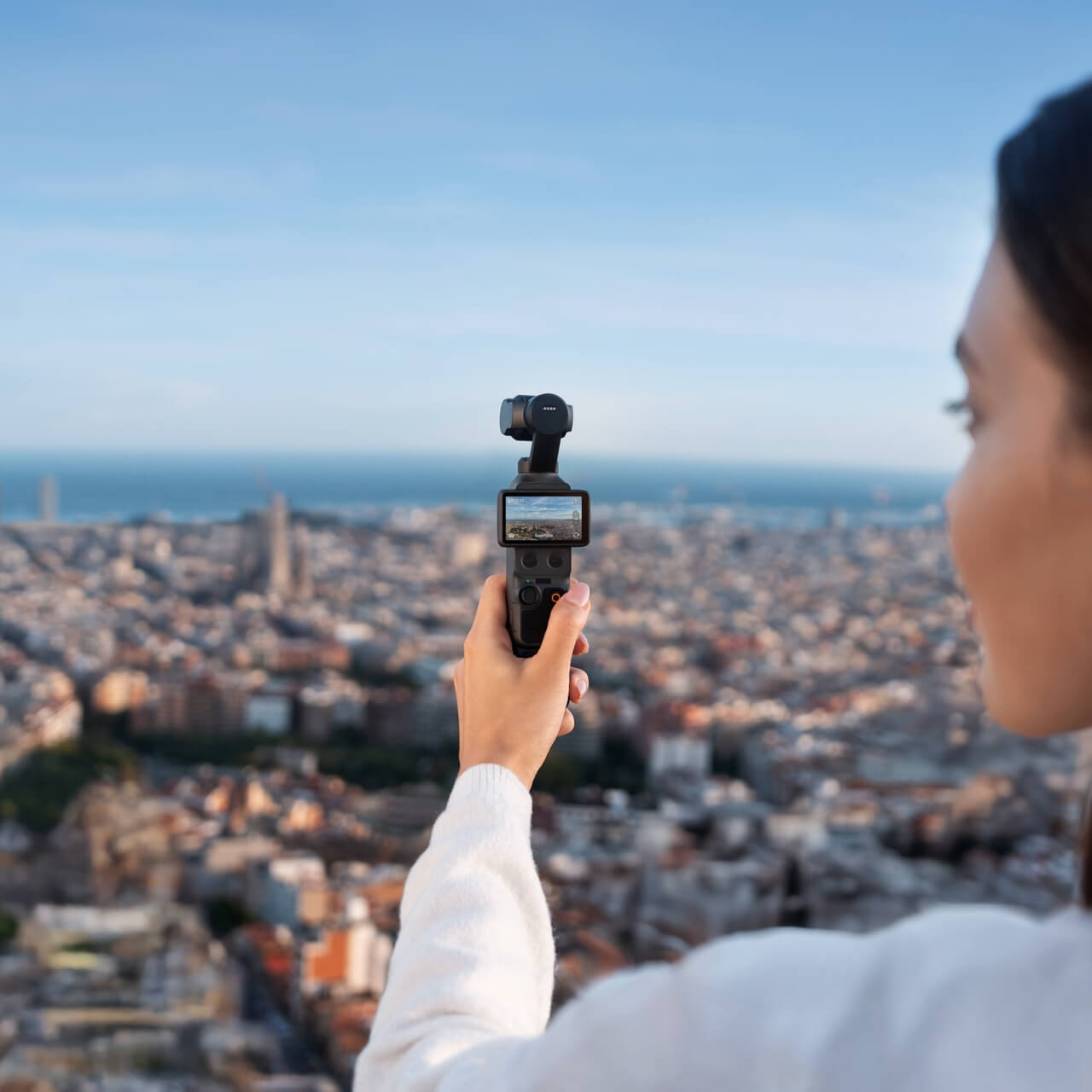
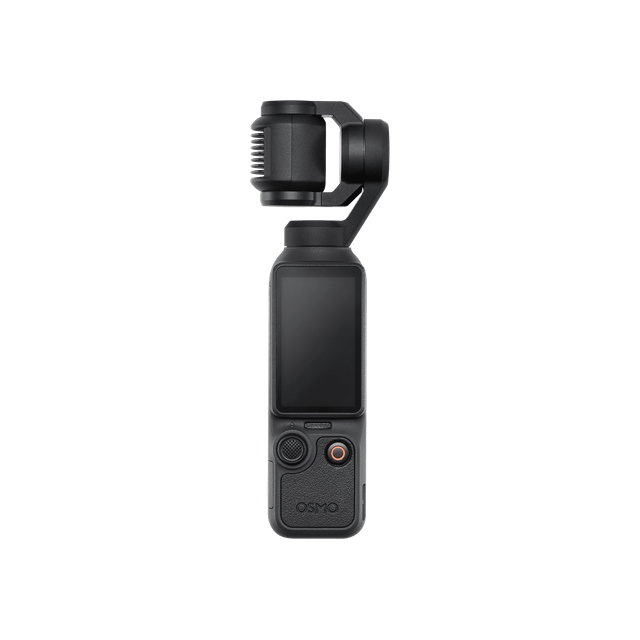
Osmo Pocket 4 combines a new 1-inch stacked CMOS sensor, a 20mm-equivalent f/2.0 lens, three-axis mechanical stabilization and a rotating 2-inch OLED screen in a 190.5-gram body. The camera records standard 4K video up to 60fps and slow motion up to 4K/240fps.
Read the footnotes before buying: 4K/240fps is available only in Slow Motion mode; 10-bit D-Log is supported only in normal Video mode; and 2× lossless zoom is unavailable in Low-Light, Slow Motion and Timelapse modes.
12 DJI Osmo Pocket 4 features you’ll actually use
These are the upgrades that change real-world shooting—not just the specifications that look impressive on a box.
A new 1-inch stacked CMOS sensor for more difficult light
Pocket 4 uses a new 1-inch stacked CMOS sensor rather than reusing the sensor from Pocket 3. The 20mm-equivalent f/2.0 lens remains wide enough for travel, family videos and walk-and-talk vlogging, while the updated imaging system is designed to improve low-light performance and overall image quality.
- Useful for indoor events, dusk, restaurants and night streets
- Full-pixel PDAF helps maintain focus on moving subjects
- Approximate 37MP still-photo mode for high-resolution captures
4K/240fps slow motion for motion you cannot see in real time
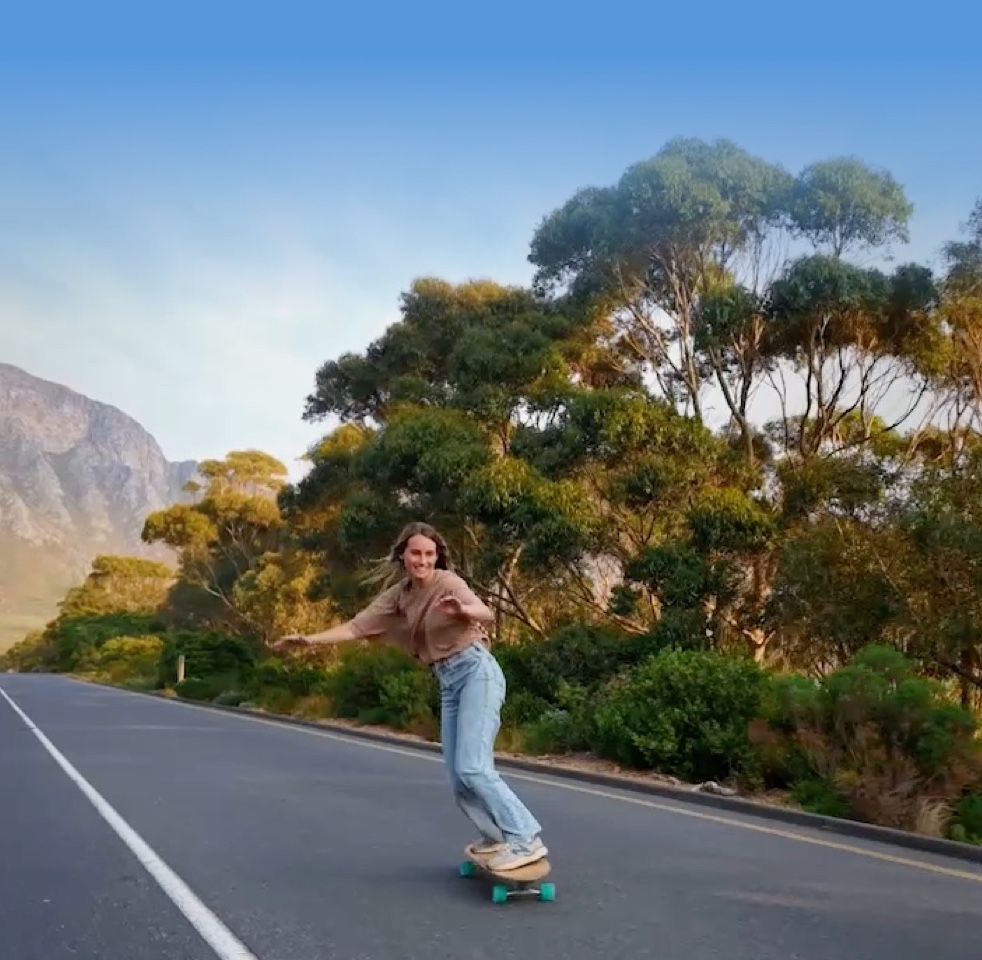
Recording at 240 frames per second can turn a brief action into a dramatic sequence: water splashes, skateboard tricks, dance moves, sports, robotics demonstrations and product reveals become easier to study and more compelling to watch.
Use it selectively. High-frame-rate footage needs more light, creates larger files and is intended for Slow Motion mode rather than normal 4K recording.
14-stop dynamic range and 10-bit D-Log for difficult contrast
A high-contrast scene can contain a bright sky and a dark face at the same time. DJI states that Pocket 4 reaches up to 14 stops of dynamic range in supported Normal and D-Log recording. The 10-bit D-Log profile records a flatter image designed to preserve more grading flexibility.
- Protects more highlight and shadow information in demanding scenes
- Useful when matching Pocket 4 footage to a wider professional workflow
- Best for creators comfortable with colour correction and grading

2× lossless zoom—and a physical button that makes it practical
Press the new Zoom button once to switch between 1× and 2×. Double-press it to jump to 4×. That physical control is faster than opening a touchscreen menu while walking, interviewing someone or filming an event.
Limitation: 2× lossless zoom is not available in Low-Light, Slow Motion or Timelapse modes. Pocket 4 can provide up to 4× digital zoom in supported video modes, but only the supported 2× mode is described as lossless.
Press once for 1×/2×. Double-press for 4×.
Custom button shortcuts that reduce missed shots
Press and hold the Custom button to access presets and frequently used actions. DJI lists options such as switching gimbal mode, changing between photo and video, Quick Capture, switching C1/C2, rotating or recentering the gimbal, gimbal lock, Fill Light control and Follow/FPV switching.
The 5D joystick adds more tactile control: press once to go back, twice to recenter the gimbal, and three times to flip the camera.
1× ↔ 2× · double-press for 4×
Quick Capture · C1/C2 · gimbal lock · Fill Light
Back · recenter · flip camera
ActiveTrack 7.0 can follow subjects at up to 4× zoom
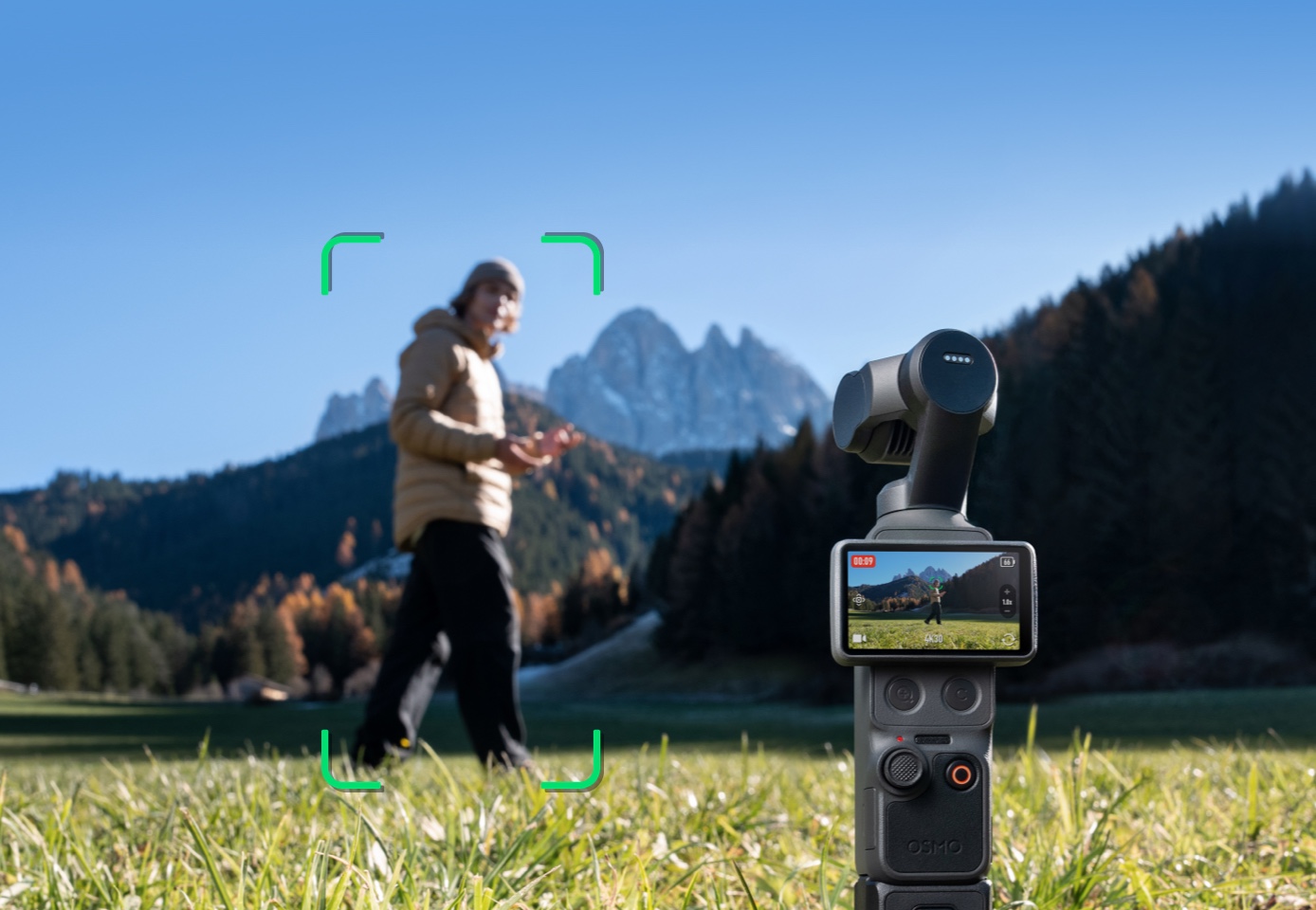
Pocket 4 can track more than faces. DJI says ActiveTrack 7.0 can lock onto people, cars, motorcycles, cats, dogs and static objects. That makes it useful for solo filming, pet videos, automotive content, sports practice and product demonstrations.
Tracking works best in good light and is unavailable in certain modes, including Panorama, Timelapse, Motionlapse and SpinShot, or when the gimbal is in FPV mode while the camera is held horizontally.
Subject Management remembers the people you film most
Pocket 4 can register and manage up to three subjects. With Registered Subject Priority enabled, the camera prioritizes focus on a saved person. Spotlight Follow can then track that registered subject quickly.
Gesture control can start or stop recording, take a photo or activate tracking, which is especially valuable when the camera is on a tripod and nobody is standing behind it.
Register up to three subjects
Prioritize focus and tracking for recurring people.
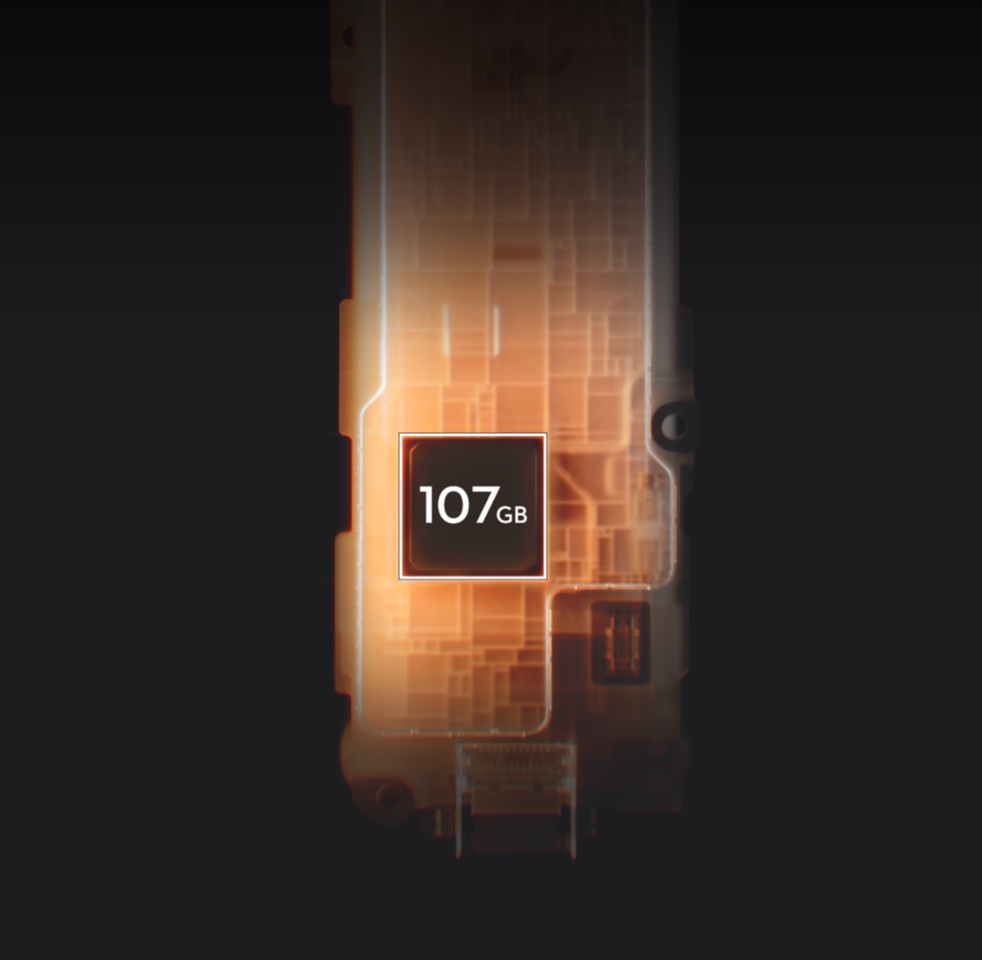
107GB of built-in storage is a real workflow upgrade
Forgetting a memory card no longer ends the shoot. DJI lists 107GB of internal storage, which can hold approximately 600 minutes of 1080p/24fps video or 220 minutes of 4K/60fps at standard bitrate.
A compatible USB 3.1 cable can export footage from internal storage at up to 800MB/s. The camera also supports microSD cards up to 1TB.
A 1000-nit rotating OLED screen simplifies vertical video
The 2-inch OLED touchscreen reaches a rated 1000 nits, making it easier to frame shots outdoors. Rotating the screen lets the camera move quickly between horizontal and vertical capture, which reduces setup time for Instagram Reels, TikTok, YouTube Shorts and Xiaohongshu.
- Vertical 3K recording up to 60fps
- Faster orientation changes without a separate cage
- Better visibility for solo framing and menu control
Four-channel OsmoAudio can preserve voices and ambient sound
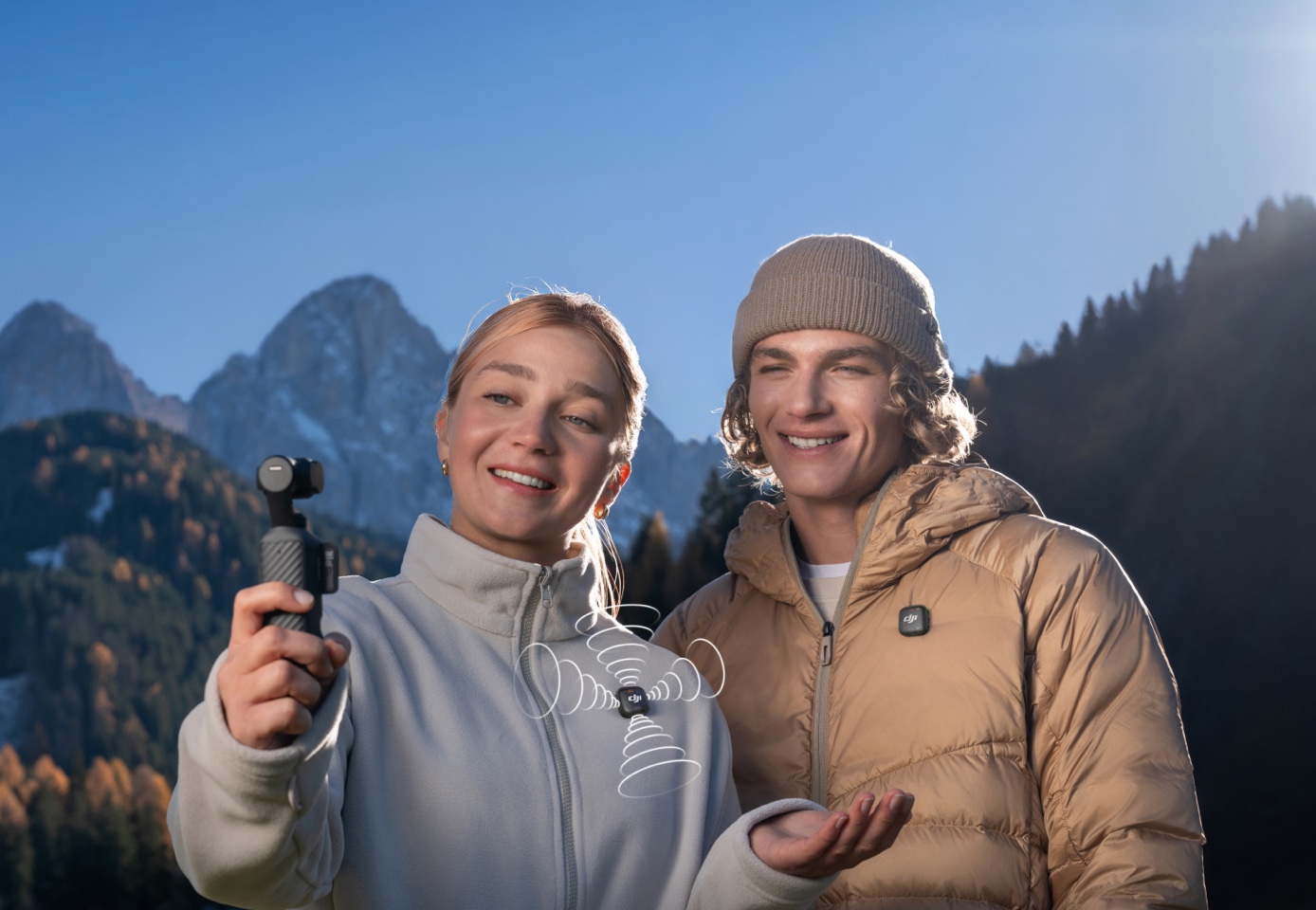
Connect one or two supported DJI Mic transmitters and Pocket 4 can write two audio tracks with four channels: transmitter audio on one track and the camera’s built-in stereo microphones on another. That gives editors clean speech plus synchronized environmental sound.
Audio Zoom is enabled by default and responds to changes in zoom ratio. Direct connection to the first-generation DJI Mic is not supported.
Up to 240 minutes of runtime—and fast charging between shoots
DJI rates Pocket 4 for up to 240 minutes at 1080p/24fps with Wi-Fi and the screen turned off under controlled conditions. Charging reaches 80% in approximately 18 minutes and 100% in 32 minutes with DJI’s specified charging setup.
Accessories draw power. At medium brightness, DJI’s Fill Light reduces the same rated runtime to approximately 210 minutes; at high brightness, approximately 186 minutes.
Livestreaming and screen-off recording make Pocket 4 more flexible
DJI says Pocket 4 supports major livestreaming platforms. For longer unattended shoots, screen-off recording can be set to activate after 3 seconds, 15 seconds, 30 seconds, 1 minute, 5 minutes, 10 minutes or never.
These are not the features that dominate advertisements, but they matter for conferences, demonstrations, workshops, interviews and fixed-camera event coverage.
Go live or record discreetly
Major livestreaming platforms · configurable screen-off recording
Bonus creative tools: Slow Shutter Video can create motion trails; Film Tone provides ready-to-use visual styles; In-Camera Beautify can adjust skin smoothness, brightness and tone in Video mode; and the magnetic Fill Light offers three brightness and colour-temperature settings.
Film Tone and In-Camera Beautify cannot be used simultaneously. Availability and behaviour can change through firmware and DJI Mimo updates.
Best Pocket 4 feature and setting by shooting situation
| Shooting situation | Start with | Use this feature | Watch for |
|---|---|---|---|
| Walk-and-talk vlog | 4K/30fps or 4K/60fps | ActiveTrack 7.0 + gesture control | Use good light and confirm tracking before walking |
| Toronto night street | Low-Light Video at 4K/24–30fps | 1-inch sensor + f/2.0 aperture | Lossless zoom is unavailable in Low-Light mode |
| Sports or dance | 4K/120fps or 4K/240fps Slow Motion | High-frame-rate capture | Add light; dynamic range may be lower in Slow Motion |
| Interview for two people | 4K/30fps | Two DJI Mic transmitters + four-channel output | Check transmitter levels and preserve ambient track |
| Product demonstration | 4K/30fps, manual exposure if lighting is controlled | 2× lossless zoom + Subject Lock | Keep the product beyond the 0.2m minimum focus distance |
| Colour-graded commercial video | Normal Video in 10-bit D-Log | 14-stop dynamic range | D-Log requires post-production and is not available in every mode |
Five Pocket 4 limitations that should be stated clearly
4K/240fps is not normal 4K video
It is available only in Slow Motion mode, and high-frame-rate recording performs best with strong light.
10-bit D-Log is mode-dependent
DJI lists 10-bit D-Log for normal Video mode, not every shooting mode.
2× lossless zoom has exclusions
It is unavailable in Low-Light, Slow Motion and Timelapse modes.
Pocket 4 is not waterproof
Use appropriate protection around rain, splashes, snow and wet event environments.
ActiveTrack does not work in every mode
Several panorama, timelapse and FPV configurations disable tracking.
USB-C does not output real-time HDMI
DJI states that a USB-C-to-HDMI cable cannot export real-time footage directly.
Who should buy DJI Osmo Pocket 4?
Solo creators
ActiveTrack, gesture control, registered subjects, vertical shooting and direct DJI Mic support reduce the need for a second operator.
Events and business content
Internal storage, four-channel audio and fast physical controls make it easier to capture speakers, products, guests and short social clips.
Travel and family video
Mechanical stabilization, long rated runtime, a rotating screen and no-card backup make spontaneous recording simpler.
It may not be the right camera when you need waterproof action-camera durability, interchangeable lenses, long optical telephoto reach, direct HDMI output or a large cinema-camera control surface.
Best first accessories for Pocket 4
DJI Mic transmitter
Best for interviews, instruction, events and walk-and-talk videos. Supported transmitters can connect directly without a separate receiver.
Magnetic ND filters
Useful for controlling shutter speed in bright conditions and maintaining more natural motion blur.
Battery Handle
Useful for travel days, conferences and events when a charging break is inconvenient.
Fill Light or Black Mist Filter
The Fill Light supports low-light faces; the Black Mist Filter softens highlights and skin detail for a more stylized look.
Mini tripod
Recommended for gesture control, solo tracking, timelapses, interviews and livestreaming.
Gimbal clamp and carrying case
Protect the moving gimbal assembly and keep small magnetic accessories organized between shoots.
Need a Pocket 4 setup for your exact workflow?
Contact SpeedyDrone Canada to confirm current Canadian availability, package contents, Toronto pickup options, compatible accessories and setup support. Send your use case— travel, vlogging, events, interviews or business content—and we’ll help match the camera and accessories.
Event-content clients can also ask about a Pocket camera content package combined with a SpeedyDrone robotics demonstration for interactive footage, guest photos and short-form social content.
DJI Osmo Pocket 4 FAQ
Is DJI Osmo Pocket 4 waterproof?
No. DJI states that Osmo Pocket 4 is not waterproof. Protect it from rain, splashes and wet environments.
Can Pocket 4 record normal video at 4K/240fps?
No. DJI lists 4K/240fps only in Slow Motion mode. Normal 4K video is available up to 60fps.
Does Pocket 4 have internal storage?
Yes. It has 107GB of built-in storage and supports microSD cards up to 1TB.
How long can Pocket 4 record using internal storage?
At standard bitrate, DJI estimates approximately 600 minutes at 1080p/24fps or 220 minutes at 4K/60fps. Actual time varies by settings and content.
Is the Pocket 4 sensor the same as Pocket 3?
No. DJI describes Pocket 4 as using a new 1-inch stacked CMOS sensor with improved performance and support for 4K/240fps slow motion.
Does 2× lossless zoom work in every shooting mode?
No. DJI says 2× lossless zoom is unavailable in Low-Light, Slow Motion and Timelapse modes.
What can ActiveTrack 7.0 follow?
DJI lists people, cars, motorcycles, cats, dogs and static objects. Tracking availability depends on the shooting mode and lighting.
Can Pocket 4 connect to two DJI microphones?
Yes. With supported DJI Mic transmitters, Pocket 4 can record transmitter audio plus the camera’s built-in stereo ambience as four channels across two tracks.
Does Pocket 4 support livestreaming?
Yes. DJI states that Pocket 4 supports major livestreaming platforms.
Can Pocket 4 output HDMI through USB-C?
No. DJI says the USB-C port cannot export real-time footage through an HDMI cable.
How long does the Pocket 4 battery last?
DJI rates it for up to 240 minutes at 1080p/24fps with Wi-Fi and the screen off under controlled conditions. Real-world runtime varies.
What is the best Pocket 4 feature for solo creators?
ActiveTrack 7.0, gesture control and registered-subject management work together to reduce the need for a camera operator. A tripod and wireless microphone complete the setup.
- DJI Osmo Pocket 4 official product page
- DJI Osmo Pocket 4 official specifications and FAQ
- DJI Store Osmo Pocket 4 product information and limitations
- DJI Media Center Osmo Pocket 4 announcement
Specifications, firmware features, compatibility, package contents, pricing and Canadian availability may change. Verify the current product listing and firmware before purchase. DJI, Osmo and related names are trademarks of DJI.


