


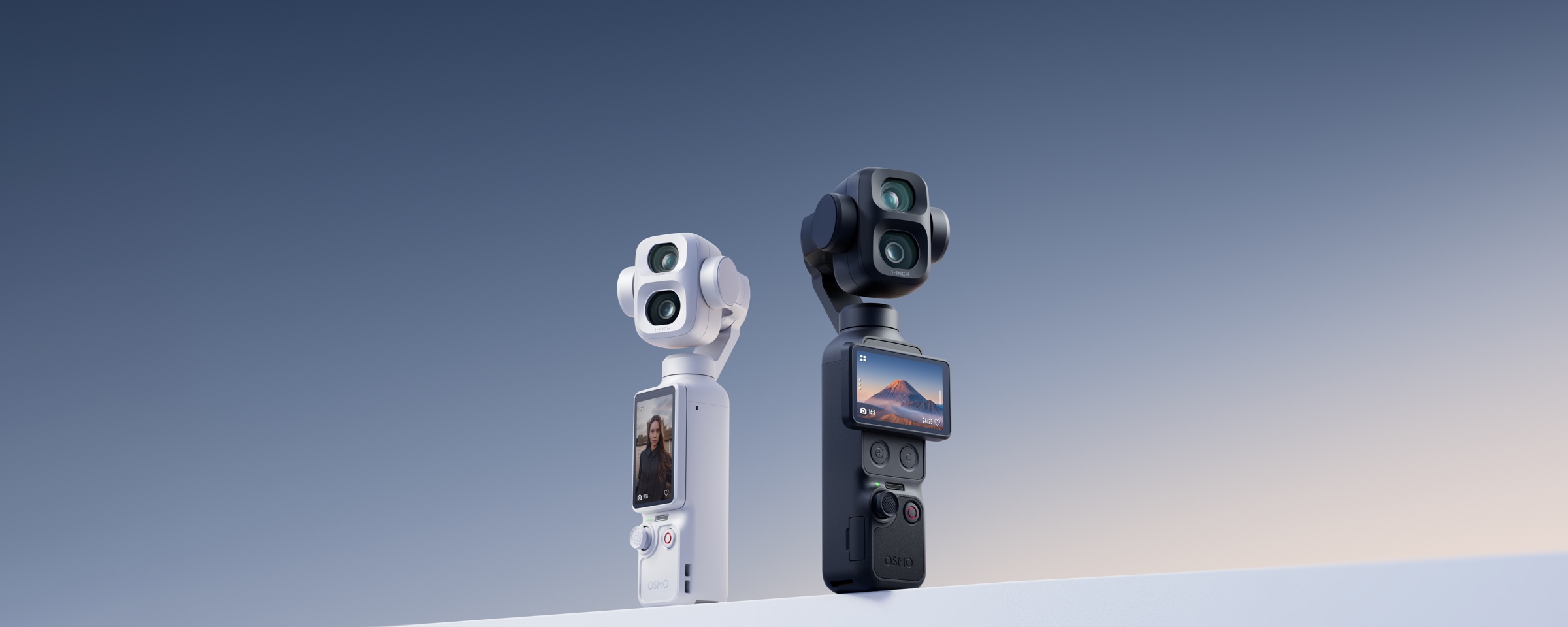
Test it before you trust the spec sheet.
The DJI Osmo Pocket 4P has a physical 20mm wide camera, a separate 60mm optical camera, D-Log 2, high-frame-rate slow motion, tracking, and built-in storage. This checklist shows exactly what to test in store before deciding whether it fits your real workflow.
A good demo should answer one question: will you use the second camera?
Pocket 4P makes the most sense when the 60mm camera changes the way you shoot people, products, food, events, travel details, or distant subjects. The in-store demo should prove that benefit, while also checking stabilization, tracking, audio, low light, vertical video, storage, and accessory fit.
Ten tests. Fifteen minutes. A much better buying decision.
Do not spend the entire demo staring at menu pages. Record actual clips, switch focal lengths, walk, speak, track a subject, and review the footage at full size.
20mm vs 60mm
Record the same person or product from both cameras.
Portrait distance
Check facial perspective, background blur, and working distance.
Walking stability
Film a real walk-and-talk rather than a stationary counter shot.
Tracking
Walk across frame and test tracking at practical distances.
High contrast
Point toward a bright window and inspect highlights and shadows.
Slow motion
Compare high-frame-rate clips from the wide and tele cameras.
Audio
Record speech, room noise, and a wireless microphone test.
Vertical workflow
Rotate, frame, record, and review a social-ready 9:16 clip.
Storage and export
Check internal storage, microSD, playback, and transfer speed.
Accessories
Test filters, handles, microphones, cases, and your real carry setup.
Frame the same subject twice.
The most important Pocket 4P test is not how far it zooms. It is whether the separate 60mm optical camera gives you a perspective you will regularly use. Stand in one location, film the same subject at 20mm and 60mm, then compare facial shape, background compression, subject separation, and how much environment remains in frame.
- At 20mm, confirm that a selfie, group, room, or storefront fits comfortably.
- At 60mm, check whether portraits and products look more intentional.
- Move closer to a product and confirm that focus remains reliable.
- Switch between 1x and 3x during recording and inspect the transition.
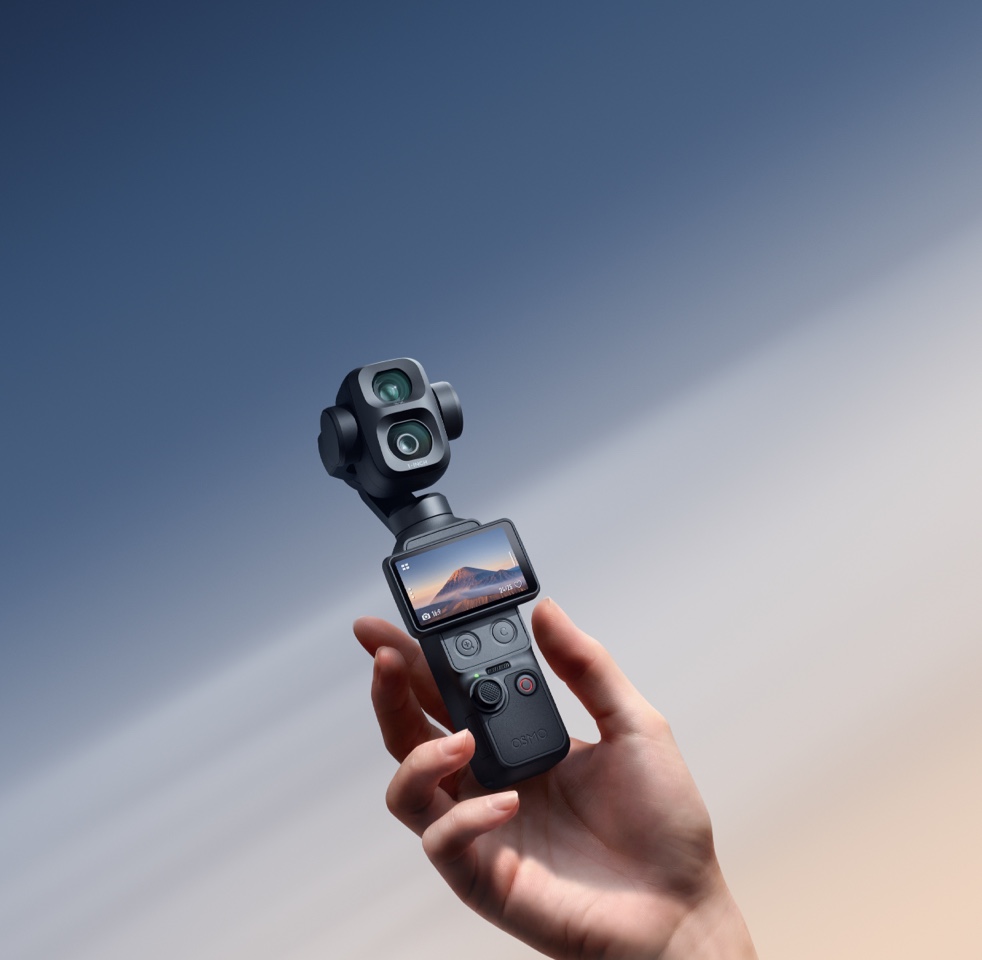

Test the environment.
Use the wide camera for walk-and-talk footage, interiors, groups, scenery, handheld movement, and shots where location matters as much as the subject.

Test the subject.
Use the 60mm camera for portraits, products, food, stage details, event moments, and tighter B-roll that would otherwise require moving physically closer.
Bring your own subject, product, or content idea.
The best demo uses something you actually plan to film. Bring a product, ask a friend to stand in frame, or recreate the type of shot you normally make for Reels, YouTube, client work, travel, or events.

Check facial perspective, eye focus, and natural background separation.

Test close working distance, labels, texture, and background control.

Inspect noise, highlights, colour, and autofocus under weaker light.

Switch between a wide establishing shot and tighter visual details.

Walk, track, and reframe.
A counter demo can make almost any camera look stable. Walk at your normal pace, turn a corner, move from bright to darker areas, and ask another person to cross the frame. Then test tracking at the focal lengths and distances you would realistically use.
- Film a 20-second walk-and-talk clip at 20mm.
- Test a slower follow shot using the 60mm camera.
- Walk toward and away from the camera while tracking is active.
- Check how quickly focus and framing recover after the subject turns.
- Remember that tracking availability varies by shooting mode.
Tracking test: what should you look for?
Look for consistent framing, reliable focus, smooth gimbal movement, and recovery when the subject briefly leaves the frame. Test both a human face and a product-sized object if those are part of your workflow.
Tracking performance changes with distance, zoom level, lighting, obstacles, and shooting mode. A successful close-range counter test does not automatically prove that every event or stage setup will work the same way.
Stabilization test: do not walk too carefully
Walk the way you actually move during travel, retail filming, a property walkthrough, or event coverage. Review horizon consistency, vertical bounce, corner turns, and how the gimbal reacts when you stop suddenly.
Point it toward difficult light.
A showroom window, bright doorway, reflective counter, or backlit subject is more useful than a perfectly even display table. Record a normal-colour clip and a D-Log 2 clip at 1x, then compare what is retained in the highlights and shadows.


Should a beginner use D-Log 2?
Use D-Log 2 when you intend to colour-grade, match cameras, or recover more from high-contrast footage. For immediate social posting with minimal editing, a standard colour profile may be faster and more practical.
What should you test in low light?
Record both cameras in the same dim area. Check noise, skin tones, autofocus, highlight clipping, and whether the 60mm camera still gives the look you want under available light. The two cameras have different sensors and lenses, so they should be judged separately.
Slow motion and audio can decide whether the camera earns a place in your bag.
Record movement that is easy to judge: a hand pouring coffee, a person walking, fabric moving, a product rotating, or someone performing. Then record a speaking clip with the built-in microphones and, when relevant, your preferred wireless microphone.
- Wide camera: test slow motion up to 4K/240fps.
- 60mm camera: test slow motion up to 4K/200fps.
- Listen for voice clarity, room echo, handling noise, and background sound.
- Pair the microphone you plan to use and confirm the full setup works.
- Review the clip with headphones rather than relying only on camera speakers.

Test the boring parts. They determine whether you keep using it.
A camera can produce excellent footage and still become frustrating if vertical shooting, storage, export, charging, accessories, or carrying do not fit your routine.
How much built-in storage does Pocket 4P have?
DJI support documentation lists approximately 103GB of usable built-in storage. The camera also supports microSD expansion. Available recording time depends on resolution, frame rate, codec, bitrate, and shooting mode.
What should you bring to an in-store demo?
Bring your phone, a microSD card when relevant, headphones, the microphone you plan to use, one small product to film, and a friend when portraits or tracking matter. A short list of your three most common shooting situations will keep the demo focused.
What should you ask before buying?
Confirm current Canadian availability, combo contents, included accessories, warranty support, DJI Care options, return terms, compatibility with your existing accessories, and whether the exact colour or bundle you want is in stock.
Buy it for a workflow, not for a spec.
Pocket 4P is a strong fit when:
- You regularly need both environmental shots and tighter subject-focused shots.
- You film portraits, products, food, events, performances, or travel details.
- You value a physical 60mm optical camera rather than relying only on digital cropping.
- You use colour grading or need the 1x D-Log 2 workflow.
- You want stabilized handheld footage without carrying a larger interchangeable-lens system.
A standard Pocket model may be enough when:
- You mainly shoot wide travel clips, selfies, groups, and casual everyday video.
- You rarely use portrait or product-focused focal lengths.
- You prefer the lowest cost and simplest possible workflow.
- You do not plan to grade D-Log 2 footage or use advanced zoom options.
What is the first thing I should test on Osmo Pocket 4P?
Record the same person or product with the 20mm wide camera and the dedicated 60mm optical camera. This immediately shows whether the dual-camera system offers a meaningful benefit for your shooting style.
Is the 60mm view a real optical camera or a digital crop?
It is a separate physical 60mm equivalent optical camera with its own 1/1.28-inch CMOS sensor. It is not simply a crop from the 20mm wide image.
Do both Pocket 4P cameras record at the same time?
No. Pocket 4P switches to the camera that corresponds to the selected zoom range rather than simultaneously recording and merging footage from both cameras.
Does D-Log 2 work on the 60mm camera?
DJI states that 10-bit D-Log 2 is supported only at 1x, which is the wide-camera workflow.
Can Pocket 4P record 4K slow motion with both cameras?
The wide camera supports slow motion up to 4K/240fps, while the 60mm camera supports slow motion up to 4K/200fps. Available settings may vary by mode.
Is Pocket 4P good for product videos and small businesses?
Yes, particularly when you need wide store or workspace shots and tighter product, food, staff, or detail footage from one compact stabilized camera.
Can I test Pocket 4P before buying in Toronto?
Contact SpeedyDrone Canada to confirm current demonstration availability, showroom hours, stock status, and the specific combo or accessories you want to test.
Should I bring my own microSD card and microphone to the demo?
Yes, when those accessories are important to your workflow. Testing your actual card, microphone, phone, and export method reduces compatibility surprises after purchase.
How long should an effective Pocket 4P demo take?
Around 15 to 25 minutes is enough when you arrive with a focused checklist. Spend most of that time recording and reviewing real clips rather than browsing every menu.

Bring your shot list. Test the camera properly.
Contact the SpeedyDrone team to confirm current Pocket 4P demo availability, Canadian stock updates, bundle guidance, accessories, and Toronto pickup details.


