


Canadian winter field guide
DJI Osmo 360 II Winter Guide for Canada: Shooting at -20°C, Battery Care & Condensation
The answer before the packing list
Quick Answer: Can You Use Osmo 360 II in a Canadian Winter?
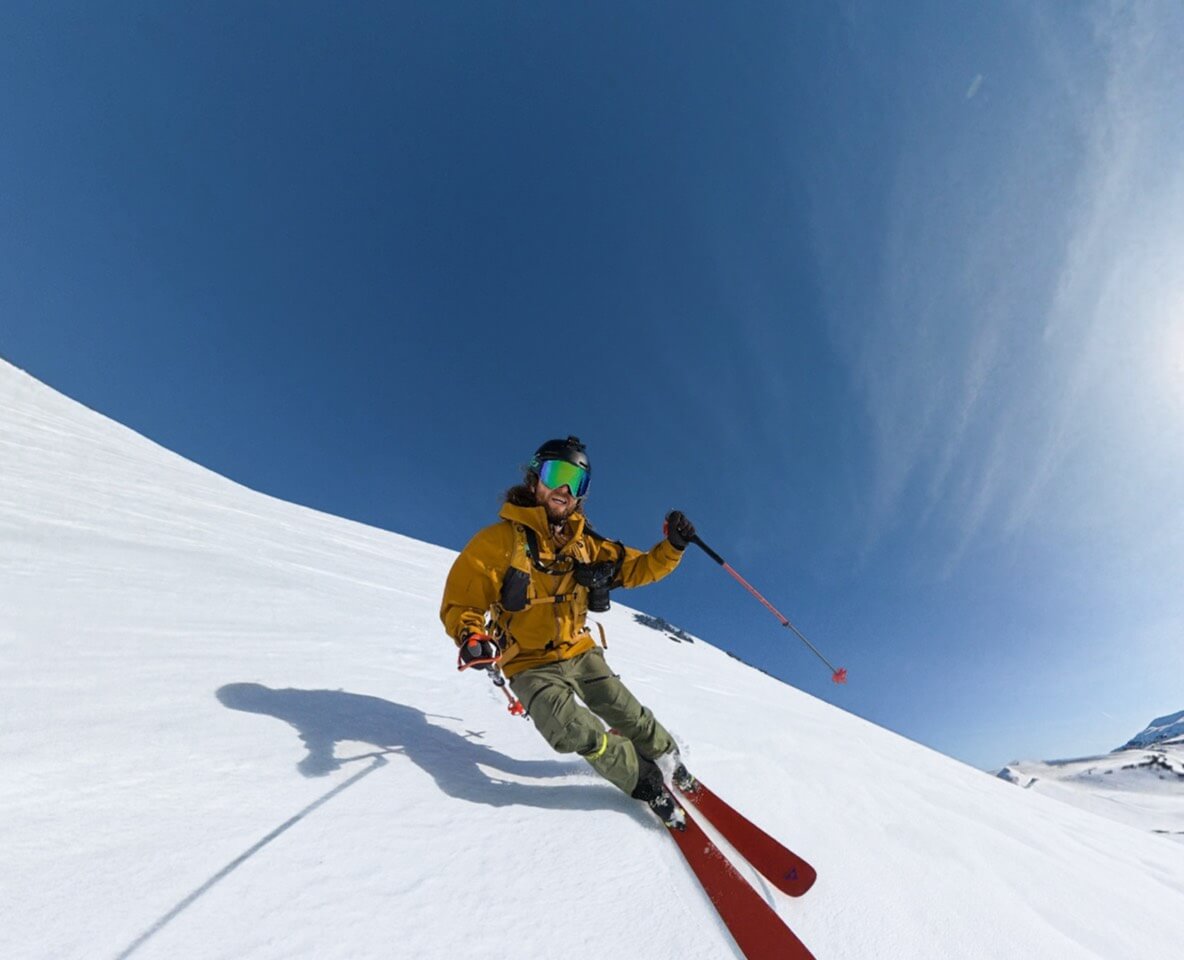
Yes. DJI says Osmo 360 II can operate at temperatures as low as -20°C (-4°F), which covers many Canadian winter shoots. But that number does not guarantee the published 100-minute 8K/30 runtime at -20°C: DJI measured that runtime at 25°C under controlled settings. Cold can shorten useful battery time, and the charging range is much narrower at 5°C to 40°C. Charge indoors, carry protected warm spares, and let cold-soaked gear warm gradually in a closed bag before opening covers or connecting power. In practice, condensation during a fast cold-to-warm transition can be as important as the temperature outside.
Three numbers, three different meanings
What Does the -20°C Rating Actually Mean?
Operating temperature, charging temperature and laboratory runtime describe different conditions. Keeping them separate is the foundation of a sensible winter plan.
Sources: DJI Osmo 360 II specifications, launch announcement and charging guidance. These figures do not establish a specific runtime at -20°C.
Osmo 360 II winter temperature guide
What Each Temperature Zone Changes
At or above 5°C, the camera is within DJI's stated charging range as well as its operating range. Below 5°C, it may still be within the operating range, but it is outside the stated charging range. At -20°C, you are at the published lower operating limit—not comfortably inside it. Below -20°C, the camera is outside DJI's stated operating specification.
This is why “the camera works at -20°C” and “the camera can charge at -20°C” are not interchangeable claims. It is also why a winter shoot should be planned around shorter clips, warm spares and a warm-up period, rather than a single headline runtime.
Do not use the 100-minute figure as a -20°C estimate. DJI's 8K/30 test was conducted at 25°C with Wi-Fi, Gesture Control, Voice Control, Editing Assistant and the screen turned off. DJI does not publish a Canadian-winter runtime percentage for this camera.
Power planning for a cold day
What Happens to Battery Life in Cold Weather?
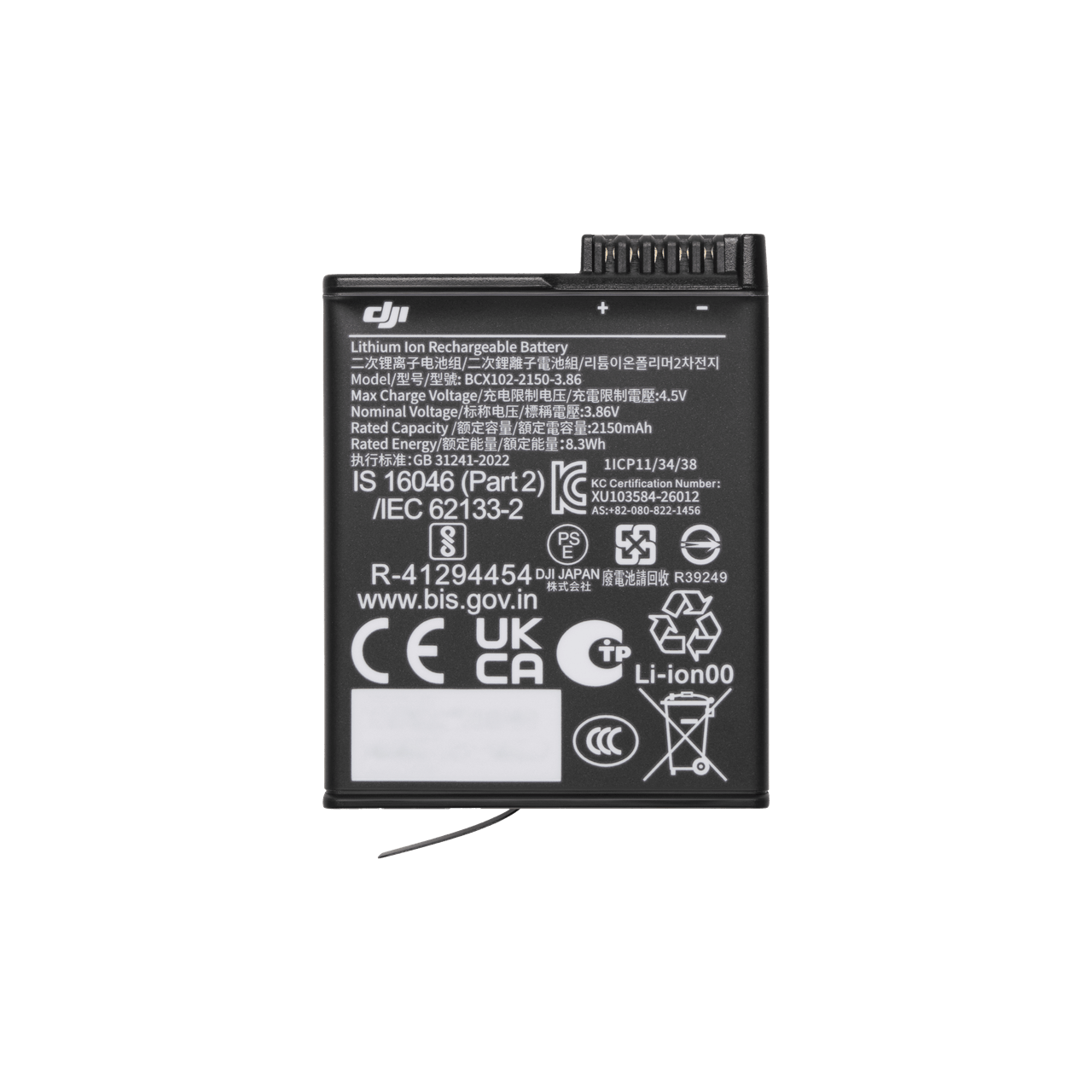
Cold commonly reduces the useful power available from camera batteries, so a battery can appear to empty sooner outdoors than it does at room temperature. DJI's operating range confirms that the Osmo Extreme Battery Plus 2150mAh is specified for low-temperature operation down to -20°C, but it does not say the battery will retain its 25°C runtime at that limit.
Plan for the shot you need rather than an unsupported percentage. A skier recording short runs has different requirements from a fixed winter landscape take. Leave enough reserve to stop and save the current recording, and avoid spending power on long idle periods, repeated playback or unnecessary wireless connections.
For a full breakdown of capacity, laboratory runtime and compatible older Action batteries, use the Osmo 360 II Battery Guide. The workflow below is the winter-specific layer.
Before, during and after the shoot
How to Keep Your Batteries Ready in the Cold
- Charge batteries indoors before departure
- Bring more batteries than the room-temperature estimate suggests
- Keep each spare in an individual protective case or pouch
- Carry spares in an inside pocket, protected from sweat and moisture
- Keep contacts away from keys, coins and other metal objects
- Reduce unnecessary screen time, wireless use and idle recording
- Separate depleted batteries from ready batteries
- Warm cold-soaked batteries naturally before charging
An inside jacket pocket can help a spare stay warmer, but do not carry a bare battery loose against keys or coins. Do not place a battery against a heater, use a hair dryer or try to force a rapid temperature change. A small insulated pouch and a gradual move back to room temperature are easier to control.
The most important charging limit
Why You Shouldn't Charge a Frozen-Cold Battery
DJI's charging guidance for Osmo 360 II is 5°C to 40°C. If the camera or removable battery has been sitting at -15°C or -20°C, it is below that range even though it may still be within the operating range. Do not connect a charger simply because the next scene starts soon.
Bring the gear into a protected environment, keep it closed while it warms gradually, and begin charging only after the battery and surrounding environment are within DJI's stated charging range. If the camera or battery is wet, visibly damaged or behaving abnormally, stop and follow DJI's current support guidance instead of attempting an improvised field fix.
Simple rule: a battery that was cold enough for the camera to shoot may still be too cold to charge. Operating limits and charging limits serve different purposes.
The cold-to-warm transition
How to Prevent Condensation When Coming Indoors
Moving from a -15°C street or ski hill into a +20°C car, lodge or home exposes very cold gear to warm, moisture-bearing air. Slow that transition before opening the camera.
This is general camera-care guidance informed by Nikon's cold-weather and Arctic photography advice; DJI does not publish this exact four-step Osmo 360 II workflow.
Before you open the car door
What Should You Do Before Getting Back Into a Warm Car?
Stop recording, check that the file has saved, make sure the battery compartment and USB-C covers are closed, and put the camera into its bag while you are still in the cold. Then enter the warm vehicle with the bag closed. A camera bag is not magic; it simply slows the temperature change and reduces the immediate flow of warm, humid air over the cold camera.
If fog is already visible, stop shooting and leave the camera closed while it reaches the new environment. Do not open a port to “air it out,” and do not attach charging power while moisture may be present. Once the gear has acclimated, inspect both lenses, the screen, covers and external surfaces before resuming use.
There is no universal waiting time because camera temperature, bag insulation, vehicle heat and humidity differ. Use the condition of the gear—not a guessed number of minutes—as the decision point.
Waterproof does not mean worry-free
How to Shoot in Falling Snow
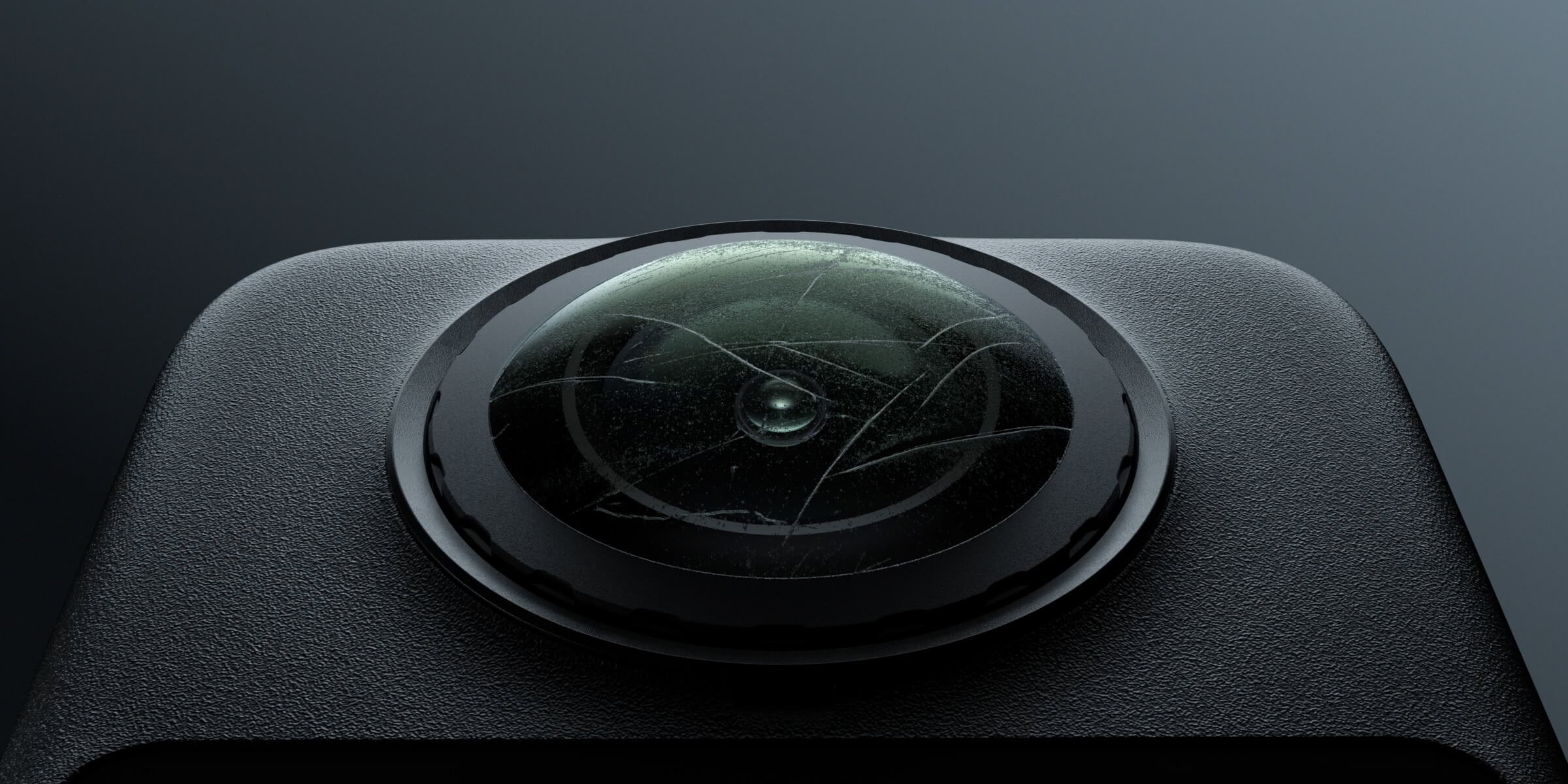
DJI rates the camera body waterproof to 10 m with the battery compartment and USB-C covers securely closed. That is useful reassurance around snow, but it does not prevent a melting flake, droplet, fingerprint or smear from ruining part of a 360° image. A mark on either protruding lens can affect a large area after reframing.
Before every important run, inspect both lenses—not only the lens facing you. Use clean, appropriate lens care and handle the camera with dry gloves when possible. Keep snow and slush away from open covers, and avoid opening the battery compartment outdoors unless you can shield the camera from falling snow and wind.
Osmo 360 II has an ultra-hard optical coating and a replaceable outer-lens design, but those features do not make the lenses impact-proof. Ice, branches, ski poles, rocks and falls still deserve careful placement. The Osmo 360 II Underwater Guide covers water pressure, housings and underwater stitching; melting snow and condensation are a different problem.
A specific protector warning
Should You Use Transparent Lens Protectors in Snow?
Not by default in wet winter weather. DJI's published guidance for the Osmo 360 Transparent Lens Protectors says to avoid using them during water sports or in rainy or snowy conditions because fogging can occur. DJI's current accessory listing names Osmo 360 II as compatible, but compatibility does not cancel that moisture warning.
The protectors can still make sense in a dry, impact-prone environment after you verify that camera, lenses and protectors are completely clean and dry. In falling snow, fog or wet slush, the trade-off changes. If a protector fogs internally, stop and dry it as DJI instructs before recording again. Do not leave protectors installed out of habit when the conditions make them the weak point.
Protect snow detail first
Best Osmo 360 II Settings for Snow
There is no single winter preset for every sky, forest, skier and night scene. Use these as starting decisions and inspect the actual image before the important run.
Swipe to see every column.
| Decision | Start here | Why | Watch for |
|---|---|---|---|
| 360° or Single-Lens | Use 360° when direction may change; Single-Lens when the final view is known | 360° preserves reframing freedom around action | More reframing and export work with 360° footage |
| Exposure | Start in Auto, then review the snow | Bright snow can make some meters render the scene too dark | If snow looks grey, raise exposure compensation in small steps while protecting highlights |
| White balance | Auto for speed; a fixed value for a matched sequence | A fixed setting can reduce colour shifts across clips | Cloud cover and shade can change the appropriate value |
| Frame rate | Choose for final playback and action speed | Higher frame rates can support smoother action or slow-down options | They may increase data and can demand more light |
| Colour | Standard for fast delivery; D-Log M when you will grade | Snow and sky can benefit from a controlled colour workflow | D-Log M is not a finished look and requires post-production |
| Night scenes | Test AI SuperNight 2.0 against the scene | It is designed for low-light capture | Fast subject motion and very low light remain challenging |
Do not apply a universal +1 EV rule. If Auto makes the snow grey, raise compensation gradually and check bright snowbanks, clouds and reflective ice for clipped detail. Auto white balance is practical for fast social clips; a fixed white balance is often easier to match across a planned set. If you intend to grade, use the Osmo 360 II D-Log M Guide.
Capture the line, not the equipment
Best Setup for Skiing & Snowboarding
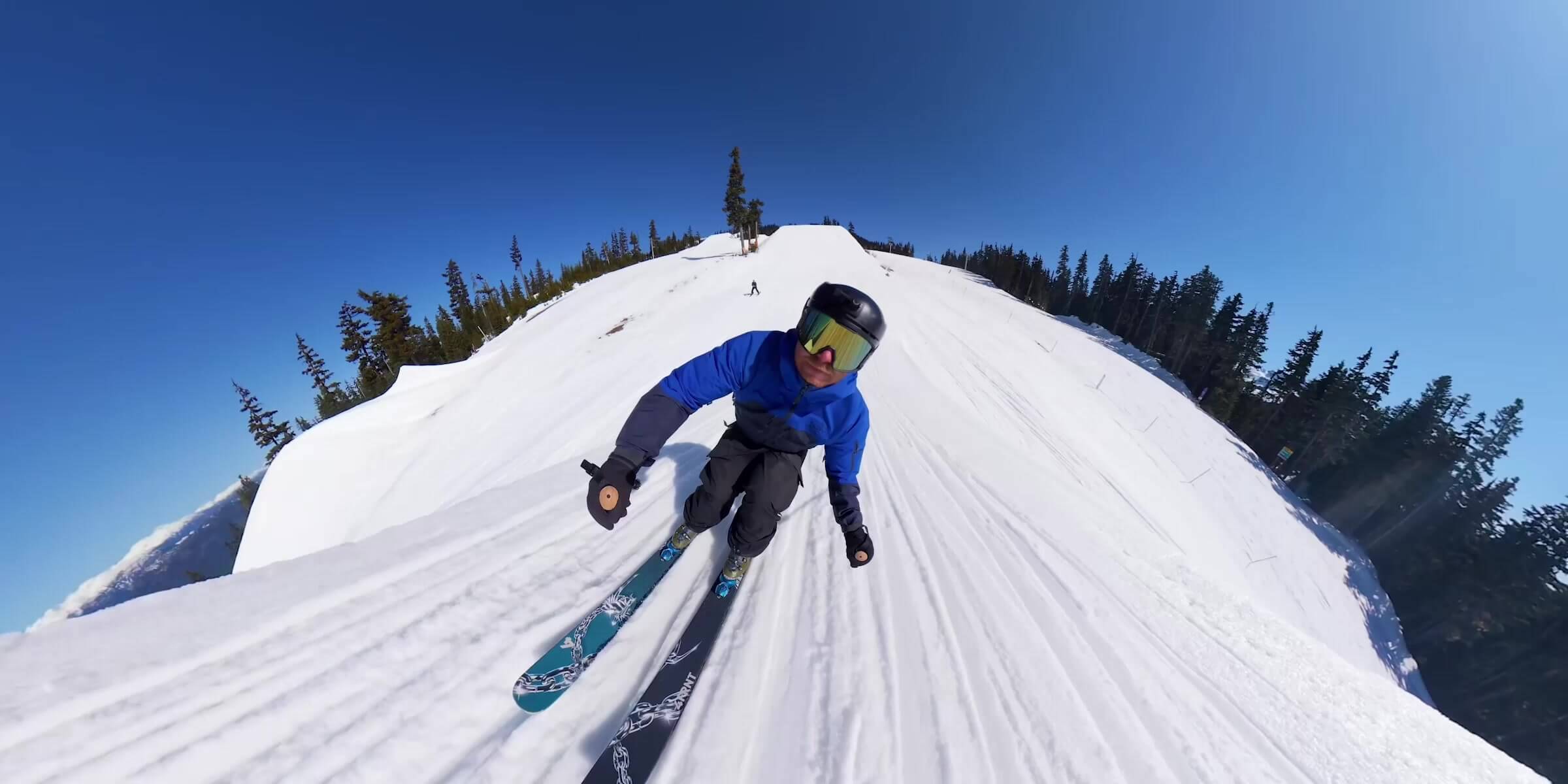
For a run where your direction, body position and background change constantly, 360° mode plus an Invisible Selfie Stick is the natural starting point. It records the sphere first and lets you choose the view later. For a simple point-of-view shot with a known direction and a faster edit, Single-Lens mode can be more efficient. The Single-Lens vs 360° Mode Guide owns that full decision.
Mount security is more important than the visual trick. Tighten the connection, use only an appropriate approved setup, keep the camera clear of your face and other people, and do a short low-consequence test before a fast run. Do not operate the camera in a way that interferes with controlling skis, a snowboard, snowmobile or other vehicle. Follow current resort, trail and local rules.
A lightweight Osmo 1m High-Strength Carbon Fiber Invisible Selfie Stick is a practical handheld option when you want the invisible-stick effect without the reach and leverage of a longer pole. For any extension, be conservative around lifts, trees, crowds and falls.
Local planning, not keyword scenery
Winter Shooting in Toronto, Banff & Whistler
The camera workflow changes more with moisture, temperature transitions and remoteness than with the name of the destination.
Repeated street-to-car or street-to-store transitions make condensation planning especially relevant. Wet snow and slush also demand frequent lens checks.
Colder, more remote outings reward extra protected batteries, conservative power planning and a bag that can slow the return to warmth.
Prioritize secure mounting, both-lens inspection and local lift or trail rules. Do not let a long selfie stick create risk around other people.
Use the camera only after the route is independently safe. A shot idea is never evidence that ice, weather, traffic or roadside conditions are safe.
These are planning examples, not current weather reports or venue-specific permissions. Check the forecast, closures, ice advisories and local operating rules on the day.
Avoid the preventable failures
Common Osmo 360 II Winter Mistakes
Most winter problems begin before the record button is pressed or immediately after the camera comes back inside.
The lower operating limit and the 25°C lab-runtime result are different specifications.
A cold-soaked battery may still be below DJI's 5°C minimum charging temperature.
A closed bag slows the temperature change and reduces immediate contact with warm, humid air.
A droplet or smear on the other lens can still enter the reframed shot.
DJI warns that Transparent Lens Protectors may fog in rainy or snowy conditions.
Sun, shade, forest and overcast snow can change quickly. Recheck highlight detail after the scene changes.
Build a winter-ready setup
What Should Be in Your Winter Camera Kit?
Start with the camera, protected spare power and a clean-lens routine. Add accessories only when their use restrictions match the conditions.

Start With the Camera and a Protected Carry Plan
The core camera for 360° snow action, Single-Lens capture and winter travel. Add a closed carry bag, protected spare batteries and a dry lens cloth to the field plan.

Keep the Handheld Setup Compact
A compact handheld option for the invisible-stick view. Use conservatively around lifts, trees, crowds and any activity where the pole could interfere with control.

Use Only When the Conditions Fit
Compatible with Osmo 360 II for added impact protection, but DJI warns against use in rainy or snowy conditions because moisture can cause fogging.
Frequently asked questions
Osmo 360 II Winter FAQ
Short answers for Canadian cold, snow, charging and condensation.
Can DJI Osmo 360 II work at -20°C?
Yes. DJI lists -20°C (-4°F) as the lower operating temperature for Osmo 360 II and its 2150mAh battery. That is the edge of the stated range, not a guarantee of room-temperature performance or the published 100-minute runtime.
Can I use Osmo 360 II below 0°C?
Yes, within DJI's stated -20°C to 45°C operating range. Cold can reduce useful battery time, so start with charged batteries, carry protected warm spares and avoid relying on a room-temperature runtime estimate.
Can I charge Osmo 360 II at -20°C?
No. DJI states a charging range of 5°C to 40°C for Osmo 360 II. Let cold-soaked gear warm gradually in a closed bag and confirm it is dry and within the stated charging range before connecting power.
Does the Osmo 360 II battery drain faster in the cold?
Cold commonly reduces the useful power available from camera batteries, so shorter runtime is a sensible planning assumption. DJI has not published a specific -20°C runtime percentage for Osmo 360 II; its up-to-100-minute 8K/30 test was conducted at 25°C.
How do I prevent condensation on Osmo 360 II?
Before entering a warm car or building, place the cold camera in a closed camera bag, backpack or dry bag and let it warm gradually. Do not open the battery door or USB-C cover while the camera is still cold or moisture is visible.
Can I use Osmo 360 II for skiing and snowboarding?
Yes. DJI specifically promotes skiing use down to -20°C. Use secure, appropriate mounting, inspect both lenses, run a low-consequence test and follow current resort or trail rules. Never let camera operation interfere with safe control.
Is snow dangerous for Osmo 360 II?
The camera body is waterproof to 10 m when the battery and USB-C covers are securely closed, but snow can melt, enter an open cover or leave droplets on either lens. Waterproofing does not guarantee clean footage or eliminate condensation risk.
Should I keep spare batteries inside my jacket?
An inside pocket can help protect spares from cold, but place each battery in a case or pouch and keep the contacts dry and isolated from keys, coins and other metal objects. Do not carry a bare battery loose.
What should I do if the lens fogs when I enter the car?
Stop shooting, leave the camera closed and allow it to reach the warmer environment gradually. Do not open ports or begin charging while moisture may be present. Inspect the camera after it has acclimated and dried.
Do I need the Waterproof Case for ordinary snow?
Not solely because snow is falling: the camera body has an IP68 rating and is waterproof to 10 m under DJI's stated conditions. However, all covers must be secure, lenses still need checking, and high water impact, immersion, wet accessories or underwater use require separate planning.
Sources and Verification Notes
The -20°C operating limit, 5°C–40°C charging range, 2150mAh battery specification, 10 m body-only waterproof rating and 25°C runtime test conditions were checked against DJI's current Osmo 360 II specifications and support guidance. The skiing statement and replaceable-lens claims were checked against DJI's September 3, 2026 launch announcement. The gradual warm-up workflow was informed by Nikon's official cold-weather and Arctic photography guidance and is identified above as general camera care. Transparent Lens Protector moisture cautions were checked against DJI's published accessory guidance.
DJI Osmo 360 II specifications
DJI Osmo 360 II launch announcement
DJI charging temperature guidance
Nikon cold-weather camera guidance
DJI Transparent Lens Protector moisture guidance
Exposure, packing and scenario recommendations are editorial guidance, not DJI laboratory findings. SpeedyDrone has not independently replicated DJI's -20°C operation or 25°C runtime tests. Specifications, firmware, compatibility, availability, weather and local rules can change; recheck current sources on publication and shoot day.
Prepare the Transition, Not Just the Temperature
Osmo 360 II is specified for Canadian-winter cold down to -20°C. The practical kit is a charged camera, protected warm spares, a clean-lens routine and a closed bag for the return to warmth.


