


DJI Power 2000 · Canadian reference
Store energy.
Choose when
to use it.
Scheduled charging, electricity-rate arithmetic and backup priorities—with a clear boundary around regional Grid-Tied ESS support.
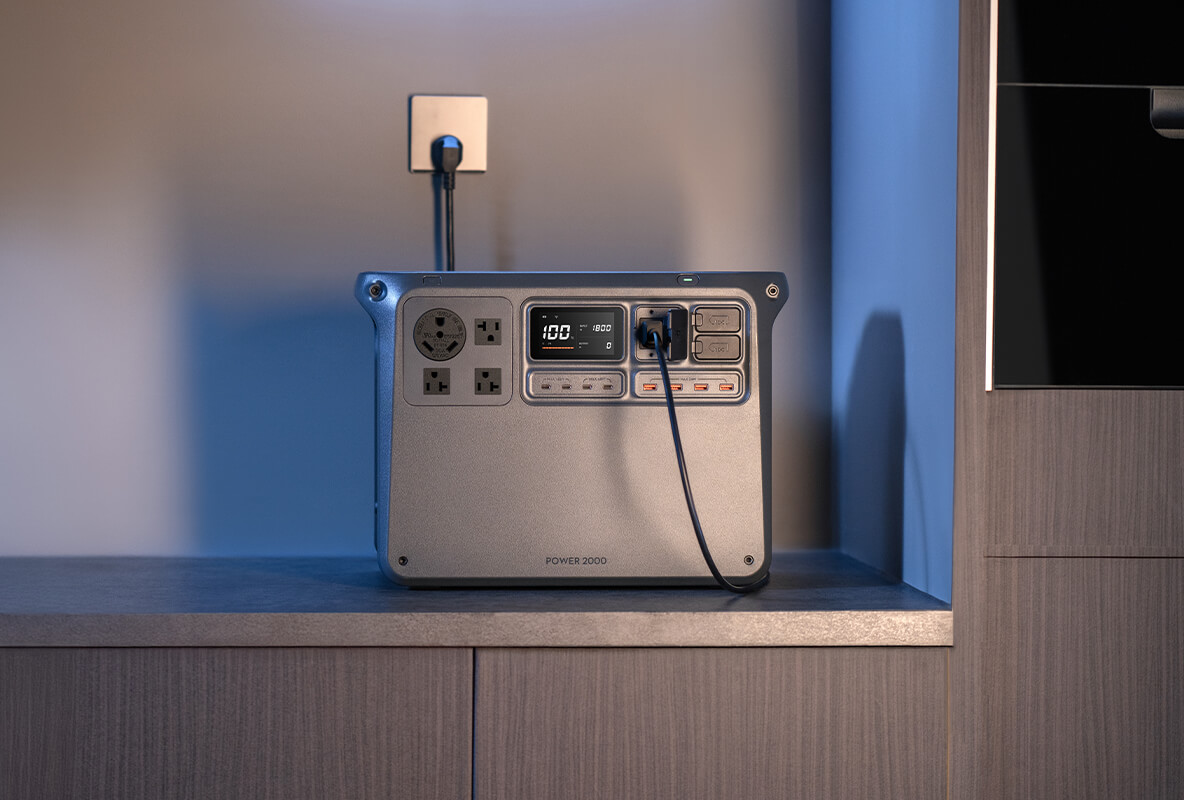
Official DJI charging scene. Plug-in recharging is not the same as feeding electricity into household wiring.
DJI Power 2000’s Scheduled Periods feature is designed to charge during user-set off-peak periods and power connected appliances during peak periods. That is different from Grid-Tied ESS, which requires a solar system and is not currently listed by DJI as supported in Canada.
For a Canadian buyer, the useful starting point is a supported plug-in workflow, the electricity plan on the actual bill, and the amount of backup energy worth keeping available. Confirm that Scheduled Periods is exposed on your Canadian unit and current DJI Home app before treating it as a purchase requirement.
This guide answers when to charge and use stored energy. Our Power 2000 Expansion & Runtime Guide answers the separate question of how much capacity you need. A larger battery does not, by itself, make electricity shifting economical.
Canada boundary: DJI’s Netherlands English FAQ currently lists Germany, the United Kingdom, the Netherlands, France, Spain and Poland for Grid-Tied ESS. An earlier localized response still showed four countries. Neither list includes Canada. This is a regional-feature explanation—not instructions for Canadian grid connection. Check DJI’s regional FAQ.
Four ideas that should not be confused
A timer, a backup function, a solar-priority setting and a grid-interactive system solve different problems. The names may sit close together in DJI Home, but that does not make them interchangeable or equally available in every region.
Swipe horizontally on a phone to read the full table.
| Feature | What it does | Canadian reading |
|---|---|---|
| Scheduled Periods | Uses the peak/off-peak schedule you set to control charging and appliance supply. | Documented non-grid-tied option; verify the menu and behaviour on your unit/app. |
| Basic UPS | Switches a compatible connected load to battery power after a mains interruption. | Advertised on DJI’s Canadian product page; not a zero-millisecond UPS. |
| Solar priority / reserve | Manages charging sources in the documented hybrid scenario. | Requires appropriate charging hardware; do not assume a universal discharge floor. |
| Grid-Tied ESS | Combines solar, storage and grid interaction, with TOU or self-consumption strategies. | Canada is absent from DJI’s published supported-country list. |
Scheduled Periods: start with your bill, then the app
The documented route is DJI Home’s device settings, then Energy Optimization → Scheduled Periods. DJI instructs users to connect the station and phone to Wi-Fi and update the station firmware. The operator supplies the peak/off-peak periods; the manual is not a promise of automatic utility-tariff discovery.
The basic distinction is simple: cheaper-period charging replenishes the station, while a selected appliance can use stored energy in a higher-priced period. Solar is not required for this scheduling option. The appliance remains connected to the station’s intended output—not to a homemade connection into the building’s circuits. See DJI’s Energy Optimization manual for the documented feature.
Before configuring anything, confirm your tariff name, time bands and seasonal or holiday rules. In Ontario, eligible customers under the Regulated Price Plan can choose TOU, Ultra-Low Overnight or Tiered pricing. Those plans are not the same, and not every Canadian household has a clock-based price difference. The Ontario Energy Board’s plan-selection guidance is the appropriate starting point; use your own utility for the applicable bill and schedule.
Then check a representative period change with a suitable non-critical load. Does charging start when expected? Is the selected appliance actually drawing from the station during the intended interval? Record the app, firmware and settings you tested. This article verifies the documentation, not a physical Canadian unit.
A useful first-week checklist
- Use current rates from your bill or utility—not a screenshot of someone else’s plan.
- Check local time, overnight boundaries, weekends and holidays; do not assume automatic calendar updates.
- Measure the energy used by the selected appliance rather than scheduling around its maximum nameplate power.
- Review charging behaviour and remaining battery after a complete cycle before leaving the routine unattended.
- Keep a simple way to disable the schedule when the station’s job changes, such as a trip or backup-only use.
Will time-of-use shifting actually save money?
It can reduce the electricity cost of selected loads when the price difference is large enough, but energy is lost during storage and conversion. A battery purchase also has a cost. Distinguish a lower operating cost for a station you already own from a convincing reason to buy one solely for bill savings.
The following figures are hypothetical Canadian-dollar examples, not current Ontario rates, measured DJI efficiency or a savings forecast. Suppose a load would otherwise use 1.5kWh each day at C$0.20/kWh, and charging electricity costs C$0.10/kWh.
Gross difference = shifted energy × (high rate − low rate)
1.5 × (C$0.20 − C$0.10) = C$0.15/day, or C$54.75 over 365 identical days, before losses and other costs.
A more useful calculation starts with the energy delivered to the appliance. If the illustrative round-trip efficiency were 85%, delivering 1.5kWh would require about 1.765kWh of charging energy.
Energy-cost saving = delivered kWh × (high rate − low rate ÷ efficiency)
1.5 × (0.20 − 0.10 ÷ 0.85) ≈ C$0.124/day, or roughly C$45.09/year under the same daily assumptions.
That second number still excludes any standby consumption not already captured in the efficiency assumption, battery wear, equipment cost and changes in daily use. Fixed monthly fees do not disappear when you shift a few kilowatt-hours. Variable delivery charges, taxes and credits may also affect the marginal cost on a real bill.
Use the formula as a screening tool, then compare measured input and useful output over a representative period. If the apparent benefit is only a few cents a day, a complicated routine or reduced outage readiness may not be worthwhile. First consider whether the appliance itself can safely run during the cheaper period without cycling a battery.
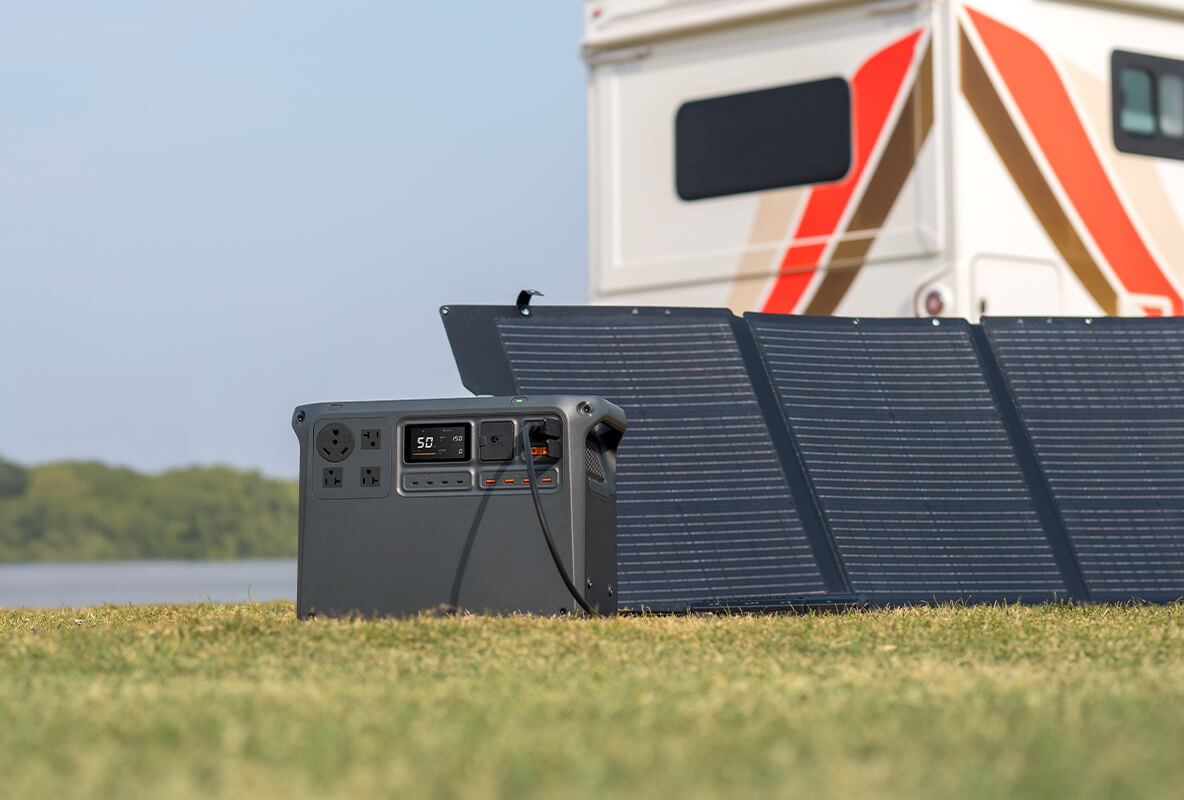
Backup reserve: read the control’s actual job
Keeping energy for an outage is sensible planning. However, it is important not to assign a stronger meaning to an app setting than the manual supports. In the Power 2000 manual’s Solar Power + RV section, Custom Backup Reserve Level is described as a charging-source control.
Below the selected level, multiple charging methods can replenish the station. Above it, that documented scenario uses solar charging only. This supports a solar-priority strategy; it does not, by itself, prove that Scheduled Periods will stop discharging at the same percentage. The distinction is visible on page 15 of the Power 2000 user manual v1.2.
For example, “I want at least 40% available before the evening” can be your planning target. It should not become “this setting guarantees 40% after every scheduled discharge” without checking the applicable controls and observed behaviour. A percentage is also not a runtime promise: the devices and their actual consumption determine how long that remaining energy lasts.
Choose the operating priority before chasing a price difference. A backup-first owner may prefer to retain more energy and shift less daily consumption. Someone using the station mainly for a predictable, non-critical load may accept a smaller buffer. Those are planning choices, not DJI-prescribed reserve percentages.
Solar priority is not the same as grid export
DJI describes solar-priority charging when multiple input sources are used in the documented hybrid arrangement. The Canadian product page also describes combined AC/DC charging. These features concern how energy enters the portable station; they do not automatically make the station a grid-interactive home battery.
That distinction matters when comparing a portable-panel setup with rooftop solar. The required adapters, permitted input ranges and installation context are different. Do not select a charger or connect panels solely because their advertised wattage sounds compatible. Confirm the complete accessory and panel configuration against DJI’s instructions.
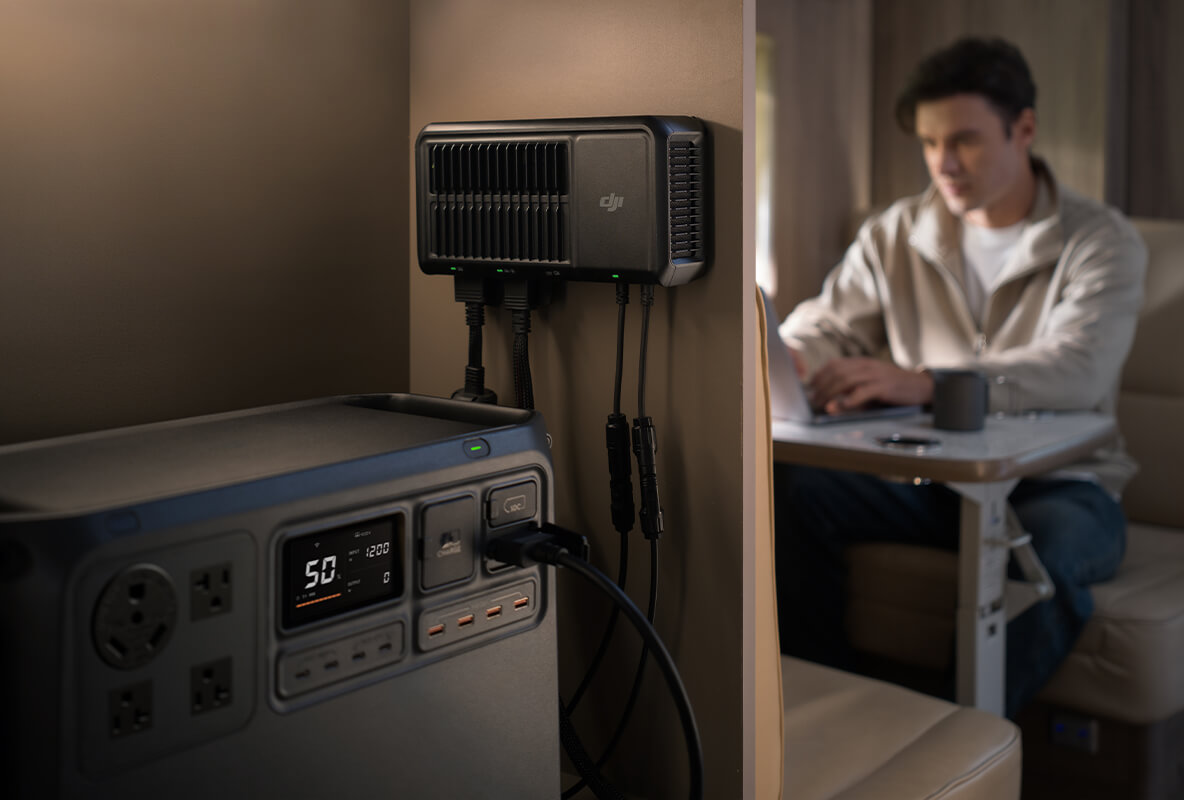
UPS protects a different priority
Scheduling addresses when energy is purchased or used. UPS addresses a mains interruption. DJI’s Canadian page gives a switchover reference of within 0.01 seconds; the manual explicitly says this is a basic UPS, not a 0ms seamless UPS. Do not use it for equipment requiring zero-millisecond transfer.
A working charge schedule is not proof that a particular computer, appliance or other load will tolerate an interruption. Check the load’s requirements, AC-output behaviour and applicable power limits separately. The manual recommends one device at a time for UPS use and warns that overload protection can interrupt output. Do not assume medical or life-support suitability.
If you intend to combine scheduled use with backup, validate that exact configuration with a suitable non-critical load and safe test procedure. The question is not only whether transfer occurs, but how much energy is left when it occurs. For capacity and runtime planning, use the linked expansion guide rather than assuming that the schedule preserves a fixed number of backup hours.
Grid-Tied ESS: understand the architecture, not a Canadian installation recipe
DJI’s grid-tied workflow requires a solar power system. Within supported regions, it offers two strategies: TOU considers electricity-price periods, while Max Self-Consumption aims to use more solar/stored energy against household demand. Compatible metering enables demand-aware automatic adjustment.
The manufacturer’s selection logic is summarized below. It is a regional reference, not permission to enable these modes on a Canadian installation. Hardware capability, app visibility, local electrical requirements and utility acceptance are separate checks.
Only for the supported Grid-Tied ESS context; Canada is not currently listed.
| Pricing situation | Compatible meter | DJI’s documented choice |
|---|---|---|
| Peak/off-peak difference | No | TOU with manual power adjustment. |
| Peak/off-peak difference | Yes | TOU with automatic power adjustment. |
| No peak/off-peak difference | Yes | Max Self-Consumption. |
A utility smart meter is not automatically a compatible device
The meter on the outside of your house should not be assumed to communicate with DJI Home. DJI’s current regional list names specific third-party models: Shelly Pro 3EM, Shelly Pro EM-50, Shelly 3EM-63T Gen3, Shelly 3EM-63W Gen3 and Shelly Pro 3EM 3CT 63.
That is a compatibility list, not a recommendation for a Canadian retrofit. The manual calls for qualified electrical installation of metering hardware and consultation about the relevant phase and utility requirements. Do not buy a meter simply because your electricity bill uses the phrase “smart meter.”
The power limits belong to this operating mode
The energy manual states 800W output and up to 2200W charging in grid-tied operation. It also permits UPS use in that context, with connected AC loads kept at or below 1200W to avoid affecting grid-tied performance. These are distinct, mode-specific conditions—not a substitute for the ordinary portable-output rating, and not a guaranteed 800W + 1200W combined-output calculation.
The practical Canadian conclusion is not “which limit can I exploit?” It is that the supported European arrangement cannot be copied into a Canadian home based on a shared product name. Do not change account regions or modify firmware to bypass availability, and never improvise a backfeed connection from the station’s AC output to a household receptacle. Electrical-system work belongs with appropriately qualified professionals and the applicable authority/utility requirements.
A decision path for three different owners
Start with your intended result, not the most advanced-looking app option. These are illustrative planning scenarios, not customer case studies or field-tested savings claims.
- Canadian TOU user, no solarCheck Scheduled Periods availability, map your actual tariff and use a suitable directly connected load. Measure the cost difference after losses. Grid-Tied ESS is not the route.
- Solar owner in a supported regionConfirm regional eligibility and electrical/utility requirements first. Then choose TOU/manual, TOU/auto or self-consumption based on the documented tariff and meter conditions.
- Backup-first householdStart from the energy needed for the selected load. Shift only what you can spare, and verify actual remaining energy rather than relying on an assumed reserve cutoff.
If your tariff is flat or tiered rather than time-based, a timer alone may provide no peak/off-peak price advantage. If you have solar in Canada, investigate supported non-grid-tied charging options; the presence of panels does not remove the regional ESS restriction.

Buy for the job you can verify
DJI Power 2000 offers a 2048Wh portable energy store and a stated 3000W continuous output in its ordinary operating context. Those figures describe capacity and power capability, not daily bill savings or Canadian grid-export approval.
For an existing owner, a measured scheduling trial may be worthwhile. For a new buyer, evaluate portable power and compatible backup needs first. Confirm any scheduling requirement before purchase, and do not pay for the expectation of a regional feature that DJI does not currently support in Canada.
Need help framing the product questions? Contact SpeedyDrone with your intended devices, measured demand and charging sources. Electrical-installation approval and utility participation must be addressed separately with the relevant professionals.
Frequently asked questions
Do I need solar to use Scheduled Periods?
No solar system is required for the documented scheduling option. The key questions are whether the feature is available on your unit/app, whether your tariff has useful time bands, and whether the selected load can be supplied appropriately. Do not confuse this with Grid-Tied ESS, which has a solar-system requirement.
Does DJI Home automatically know my electricity rates?
The cited instructions tell the user to set the peak and off-peak periods. They do not establish automatic import of your utility plan, holiday calendar or future rate changes. Check the current interface and maintain the schedule when your tariff changes.
Is Canada included in the Grid-Tied ESS country list?
No. Canada is absent from the regional lists reviewed on September 26, 2026. The Netherlands English FAQ includes six European countries, so the older “only four countries” summary is incomplete. Recheck DJI’s current regional information before relying on any availability claim.
Does a 40% Backup Reserve setting guarantee 40% after peak use?
Not on the basis of the manual passage discussed here. That passage describes when charging sources are permitted in a solar/RV arrangement. Verify any separate discharge-limit behaviour before treating a percentage as protected outage energy.
Can I earn money selling electricity back to the grid?
This guide establishes no Canadian export-income route. Manufacturer regional support, utility participation, metering and the applicable tariff would all matter. A product’s grid-tied feature name is not an export agreement or a promise of payment.
Can the station be my whole-home battery system?
Do not equate a portable station powering a selected appliance with an approved whole-home electrical installation. Whole-home integration requires a separate assessment of equipment, installation and applicable requirements. This guide provides neither a wiring design nor approval to connect the station’s output to building circuits.
Are the annual savings figures DJI test results?
No. They are transparent arithmetic using invented rates, daily energy and efficiency assumptions. Your actual tariff, usage pattern, standby losses and equipment costs can change the outcome substantially. Measure the relevant energy flows and avoid counting fixed bill charges as savings.
Can I leave the same schedule active when I travel?
Review it before changing the station’s job. The energy manual recommends disabling Energy Optimization when disconnecting from the grid for outdoor or vehicle use to support stable output. A household tariff routine may be inappropriate when you need portable power at a different time.
What should I do if Scheduled Periods is missing?
Check the app/firmware and regional instructions, then ask DJI support to confirm the feature for your exact unit. Do not sideload unofficial firmware or switch account regions as a workaround. Until availability is confirmed, do not include scheduled operation in a critical backup plan or purchase assumption.
Verification notes
Manufacturer claims were checked against the English Power 2000 manual v1.2, Energy Optimization manual v1.0, regional FAQ and DJI’s Canadian product page. Regional pages can differ or redirect; the supported-country observation above is dated. For general electrical backfeed hazards, see Ontario ESA’s backup-generator safety guidance; it is not approval for this battery installation. Examples and planning recommendations are SpeedyDrone analysis, not a hands-on test, electrical design or guaranteed financial result.


