

Move
G1 provides biped movement and arm motion; Go2 brings four-legged gait, turning and traversal across suitable terrain.
Unitree education & research
Explore motion, sensing and control with Unitree G1 EDU and Go2 EDU through supervised, measurable projects.

In a supervised lab, learners can compare a planned movement with sensor readings and the robot's observed response. Unitree's mobile hardware and software interfaces make that question testable on a physical platform.
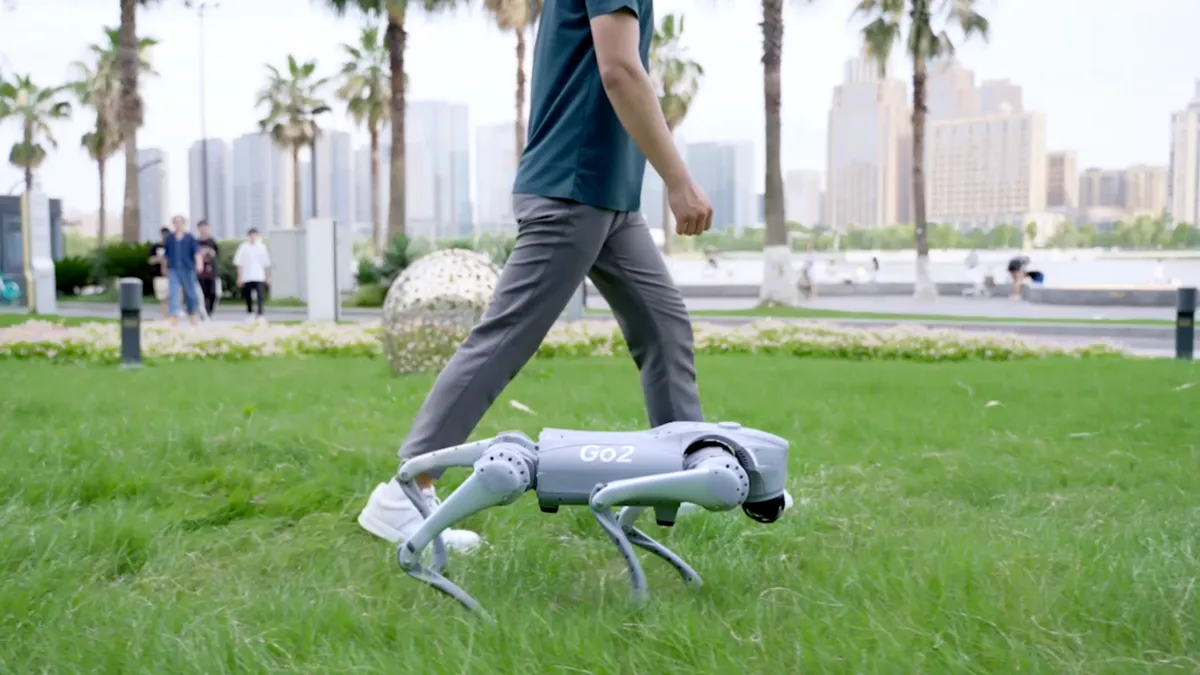
G1 provides biped movement and arm motion; Go2 brings four-legged gait, turning and traversal across suitable terrain.
Use model-specific camera, LiDAR, depth, audio and motion data to observe the robot and the surrounding space.
Develop obstacle response, localization and route behaviour for a defined area, with a clear operator fallback.
Build visual or audio responses. G1 can support object-handling research when fitted with a compatible optional hand.
Use three connected layers to explain a result: what the robot could sense, which control choice it made, and what its body actually did.
On a short, supervised Go2 route, the team can compare its planned path with sensor data, movement and operator interventions. The record helps explain where a result diverged from the plan.
Framework adapted from the Unitree manufacturer manual, pp. 3-6. The route example illustrates a developed workflow, not an out-of-box autonomous function. Capabilities vary by model, configuration and software.
Choose by the physical problem you want to explore: human-scale movement and interaction, or agile four-legged mobility and environmental sensing.
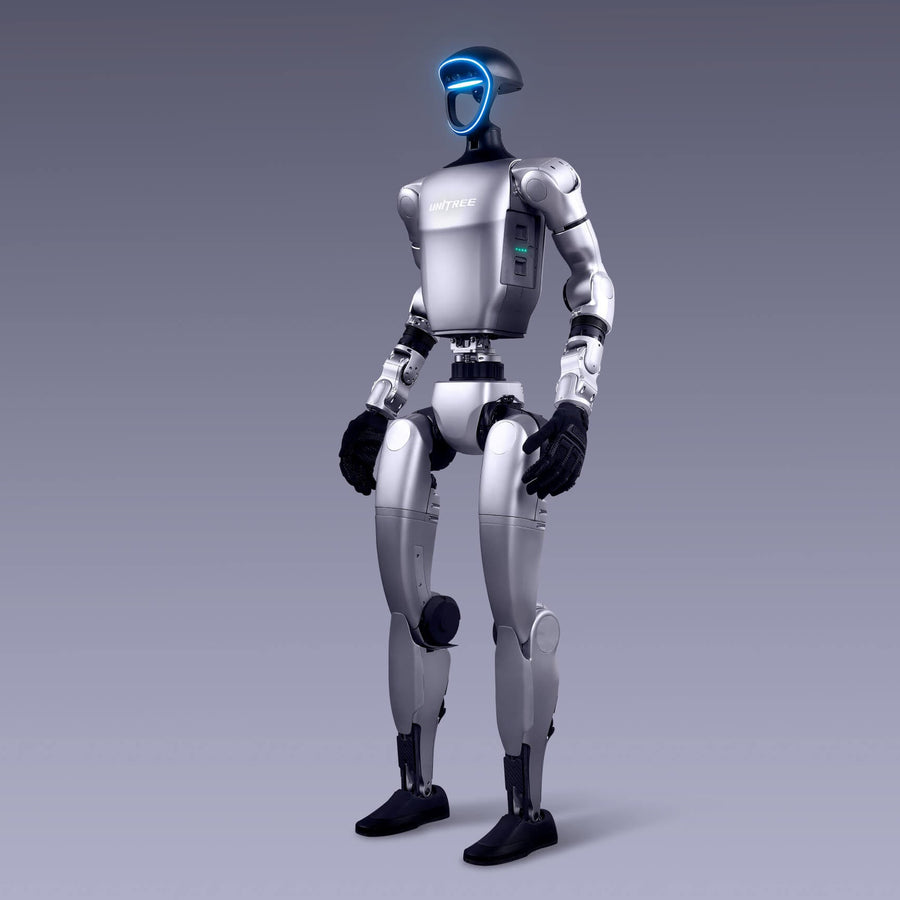
G1 EDU
A biped platform for locomotion, balance, perception and human-robot interaction research. G1 EDU supports secondary development, while hands and additional computing are configuration choices.
Best starting point: human-scale motion, interaction and manipulation research when the exact hand and interface requirements are known.
Explore G1 EDU
Go2 EDU
A four-legged platform for movement and spatial sensing. Unitree lists 4D LiDAR L2 and a wide-angle camera, with richer development and accessory options in the EDU configuration.
Best starting point: terrain, sensing and supervised mobile-robot prototypes, including inspection research.
Explore Go2 EDUChoose the body around the task first. Then confirm the exact configuration, rather than assuming every robot in a product family has the same development access or accessories.
Reach & handleConsider G1 EDU when the experiment depends on arms, reach or human-shaped movement. Object handling also needs a suitable hand, a defined object range and application-specific control.
Move & observeConsider Go2 EDU when the priority is moving sensors through a test space. Review the route, floor conditions, clearance and required data before selecting accessories.
Access & computeConfirm which interfaces are available on the quoted SKU, what runs onboard and what needs an external computer. Match firmware, SDK and network requirements before development starts.
Whole-project fitAllow for batteries, charging, storage, operator time, spare parts and software work. A robot purchase and a validated application are separate parts of the project.
These are platform directions, not turnkey application guarantees. Confirm the precise SKU, optional hardware, developer access and operating limits before choosing a system. See Unitree's official G1 and Go2 specifications.
Start with a physical question that connects movement, sensing and decisions. These six directions can become supervised learning or research projects when the hardware and software match the task.
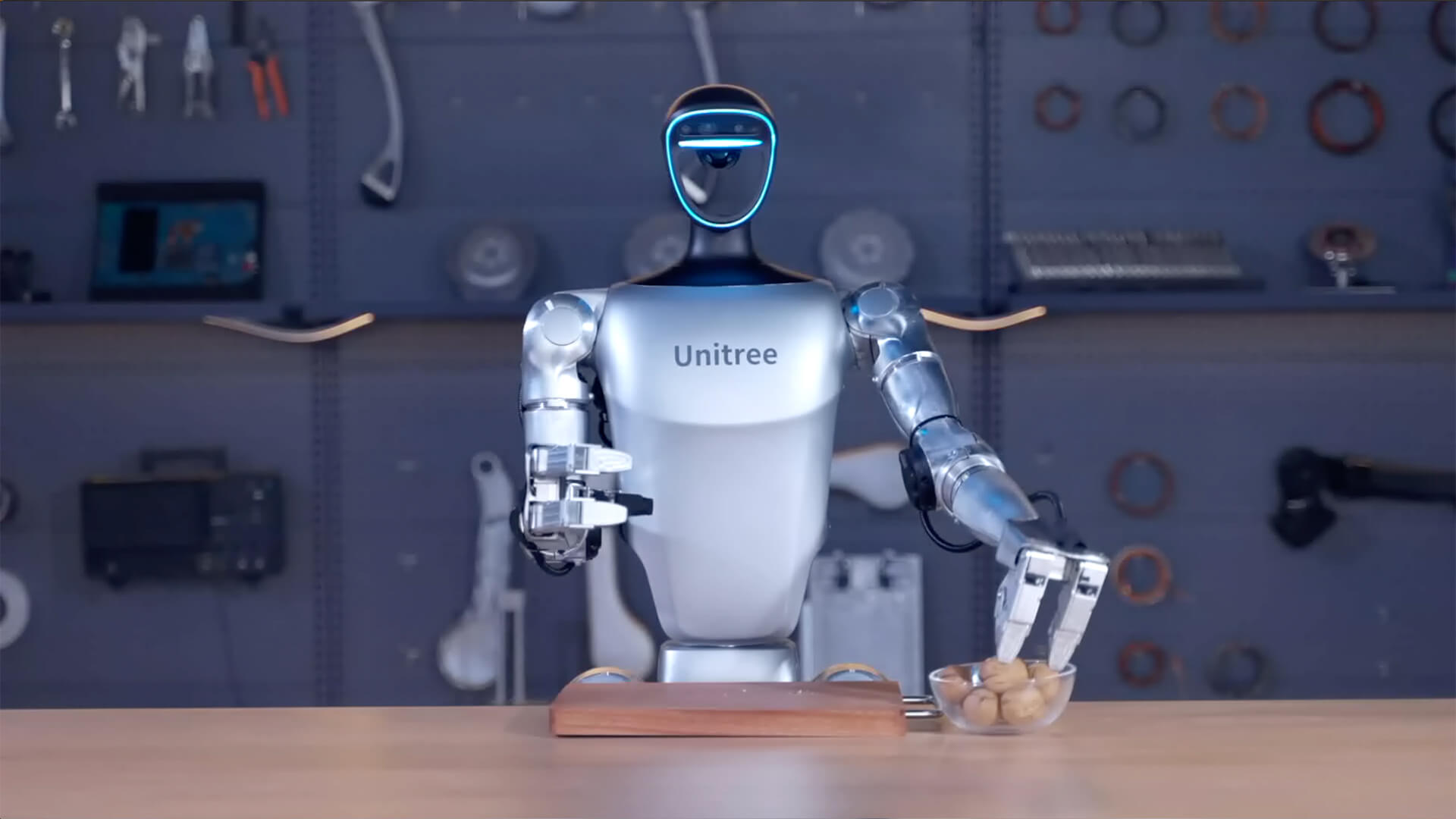
Combine perception, reaching and grasp planning to investigate manipulation. This needs a compatible optional hand, control software and carefully defined objects and safety limits.
G1 EDU with suitable hand. Image: official Unitree dexterous-hand demonstration.
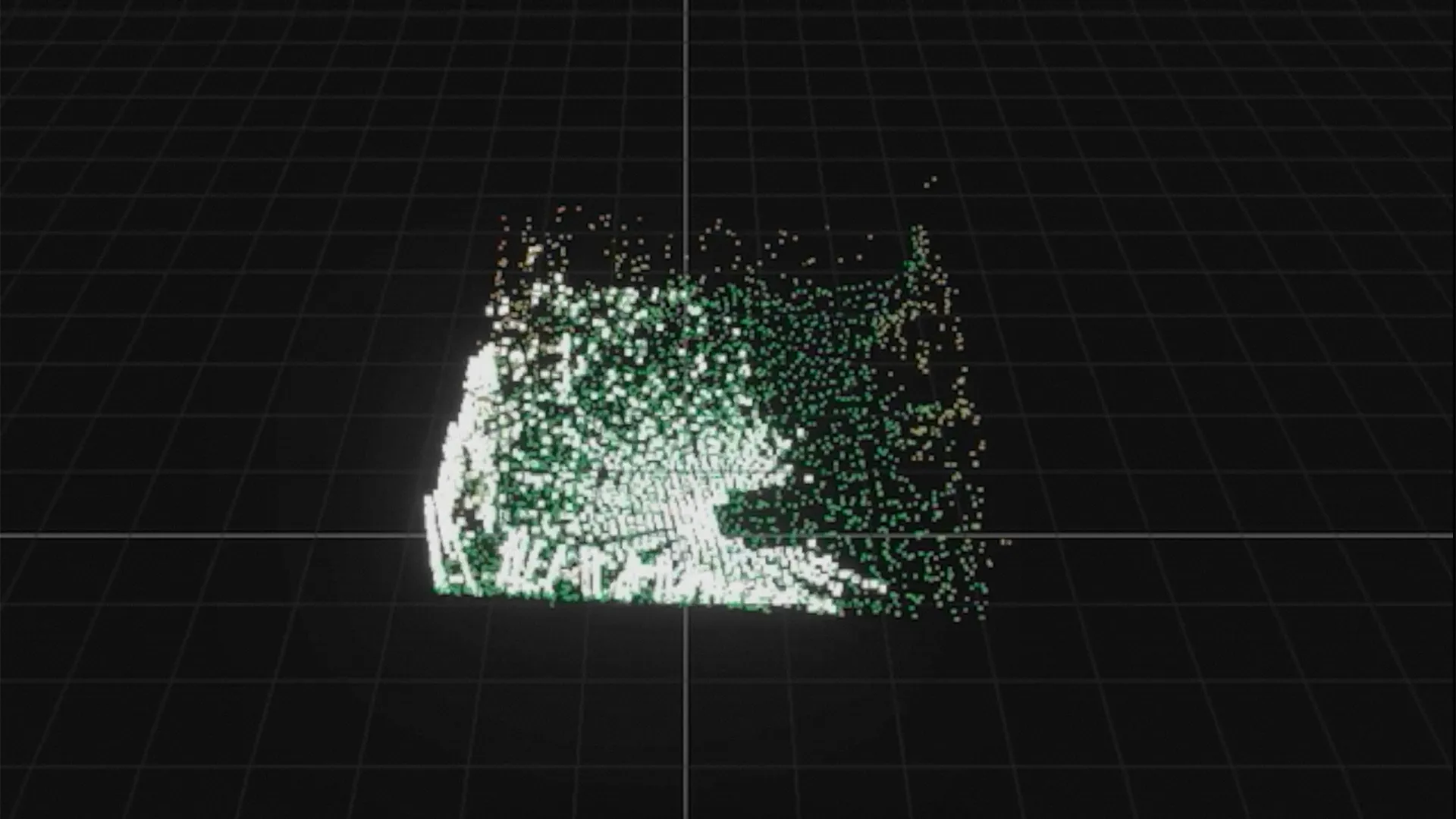
Use Go2's LiDAR and camera to investigate where the robot is, what it sees and how it responds to obstacles. Mapping and autonomous routes require the appropriate software setup.
Go2 EDU. Image: point-cloud view from Unitree's official mapping demonstration.
Study gait, body stability and recovery under controlled changes in surface, speed or direction. Compare a planned movement with joint and body feedback.
G1 EDU / Go2 EDUTest a repeatable patrol route, capture visual information and review exceptions with an operator. A prototype is not a certified industrial inspection system.
Go2 EDUExplore how a humanoid detects a person, responds through sound or movement, and communicates its next action. Behaviour depends on the application built around the robot.
G1 EDUDevelop a control or perception idea in simulation, then test how it transfers to physical hardware. Unitree publishes SDK and simulation resources; compatibility should be checked for the chosen model.
G1 EDU / Go2 EDUApplication directions use the Unitree manufacturer manual, official G1 and Go2 specifications, and Unitree's open-source resources. Each use case requires a configuration and feasibility review.
A controlled challenge gives students or researchers a question, evidence to collect and a result they can explain. These are illustrative investigations, not included courses or ready-made robot functions.
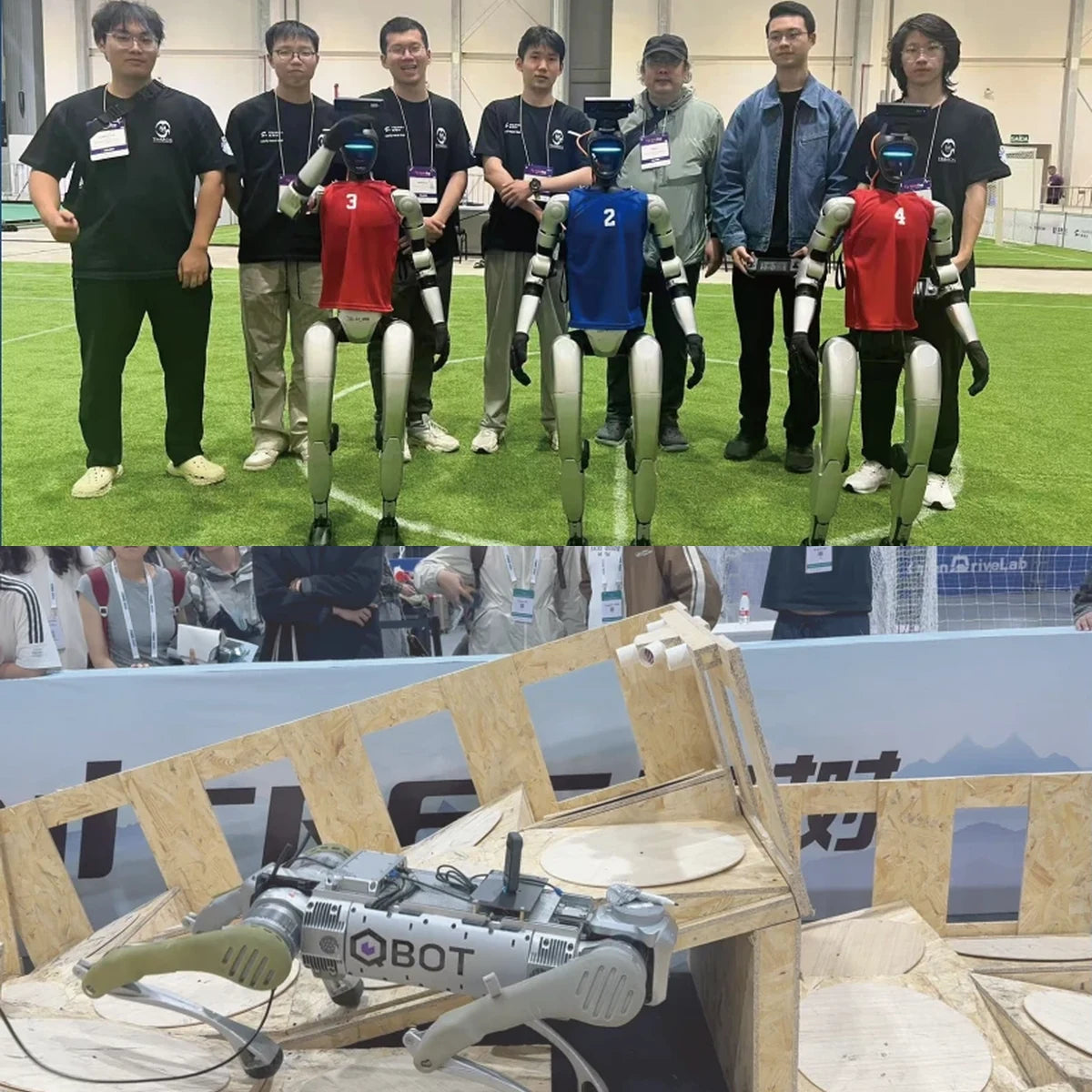
Change G1's direction or speed in a controlled space. Compare planned movement with body feedback and observe recovery.
Learn to measure stability and repeatability within a safe boundary.Give Go2 a known obstacle on a short supervised route. Log sensor data, stops and operator interventions.
Learn how perception, decisions and movement interact.With a compatible optional hand, test one defined G1 grasp across repeated trials. Record successes and failures.
Learn experimental design and the limits of manipulation.The photograph documents Unitree manufacturer examples. The investigations above are suggested test patterns, not completed SpeedyDrone deployments or turnkey features.
Start with one learning or research question, the result your team will record, and a safe place to test it. Then choose the robot configuration and control approach.
Define surfaces, lighting, obstacles, bystanders and a clear boundary for the trial.
Match movement, sensors, compute, battery and optional hardware to the question.
Confirm the sensor streams, interfaces and software needed to record and repeat the test.
Assign who starts, observes and stops each run, plus charging and equipment checks.
A person directs the robot and reviews feedback. Confirm controller, connectivity and line-of-sight needs.
Project software handles a defined task within test boundaries, with a human fallback. Confirm sensing, compute and development scope.
These Unitree resources are starting points. Check support, firmware and setup requirements for the exact model before choosing an interface.
These answers help separate the robot configuration from the software and supervision the project still needs.
OutcomeWhat will learners measure, record or explain after the test?
SetupWhich space, sensors, accessories and interfaces does that result require?
LimitsWho supervises the trial, and what triggers a stop or reset?
Hardware options, developer access and any integration work require confirmation for the exact project. A prototype discussion does not imply certified field readiness.
The manufacturer manual shows Unitree robots as a base for applied research, interaction and motion-control work. These are Unitree examples, not SpeedyDrone customer cases.
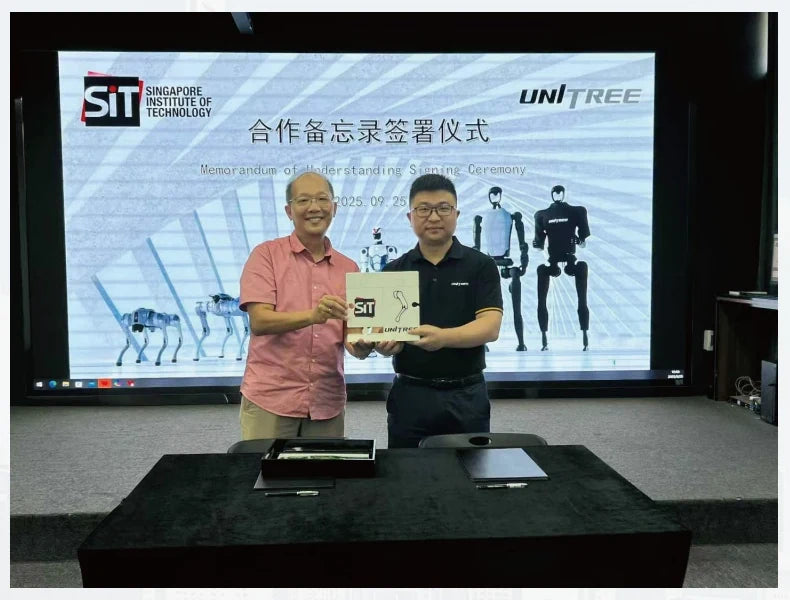
The manual describes a joint-laboratory direction including embodied intelligence, human-robot interaction, safety and applied research.
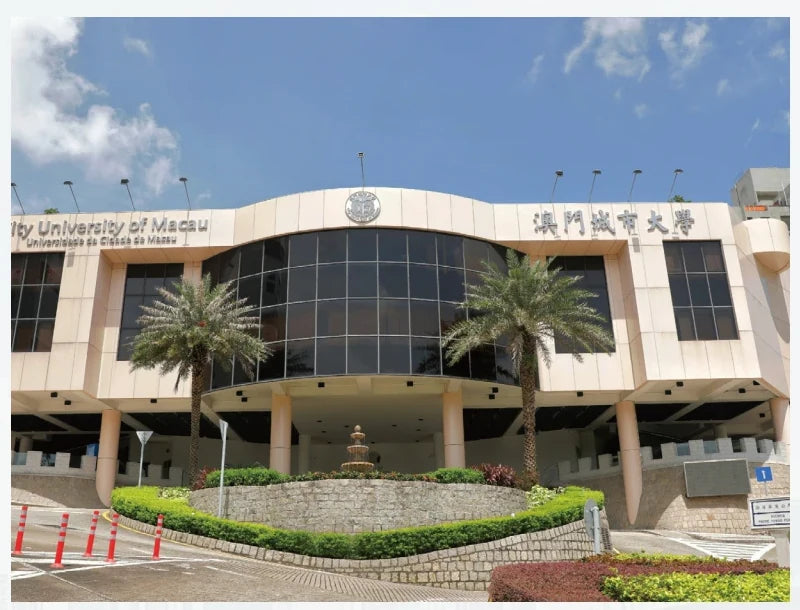
The manual highlights quadruped motion control, policy learning and simulation validation as research directions.
Institutional descriptions and photography are attributed to the Unitree manufacturer manual, pp. 21-22. They do not imply a relationship with SpeedyDrone.
For a teaching lab or research project, start with the learning goal, test environment and level of development your team can support.
Tell us whether you are planning a teaching lab, student project or research prototype. Share the task, environment and required interfaces so we can discuss a relevant Unitree configuration.
Manufacturer examples and documentary photographs come from the Unitree manual and official Unitree product pages. Platform product photographs come from current SpeedyDrone listings. Features, options and development resources vary by exact configuration. See Unitree's G1, Go2 and open-source information.