


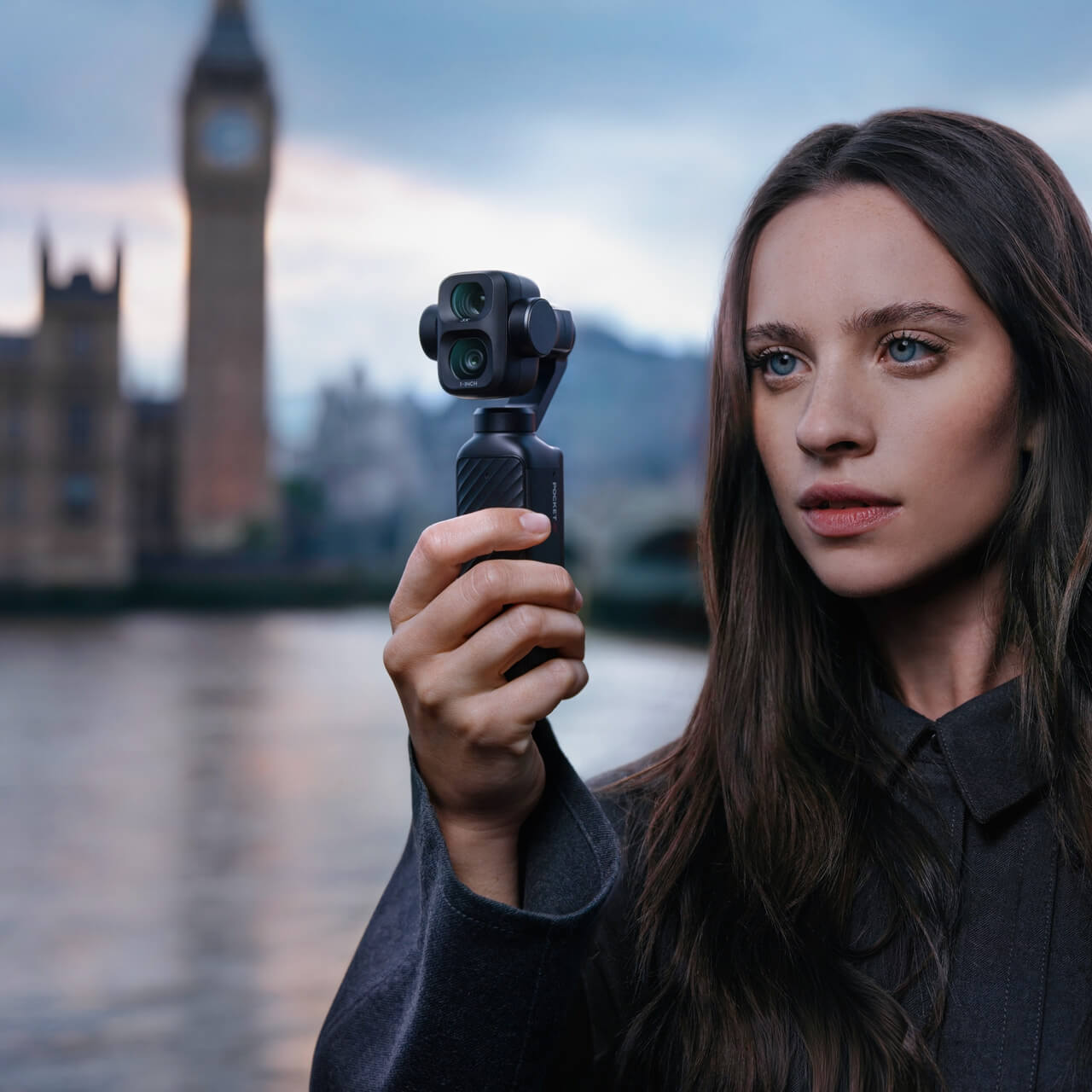
Stop Zooming.Start Choosing.
The Pocket 4P is most interesting when you stop treating it like one camera with extra zoom and start treating it like two compact storytelling tools: 20mm for context and 60mm for emphasis.
One lens shows the scene. The other shows the subject.
Use the 20mm wide camera when the location, movement, or group matters. Switch to the dedicated 60mm optical camera when a person, product, meal, stage, or distant detail should dominate the frame. That simple choice changes the feel of the footage more than another line on a specification sheet.
Three useful ranges. Two physical cameras.
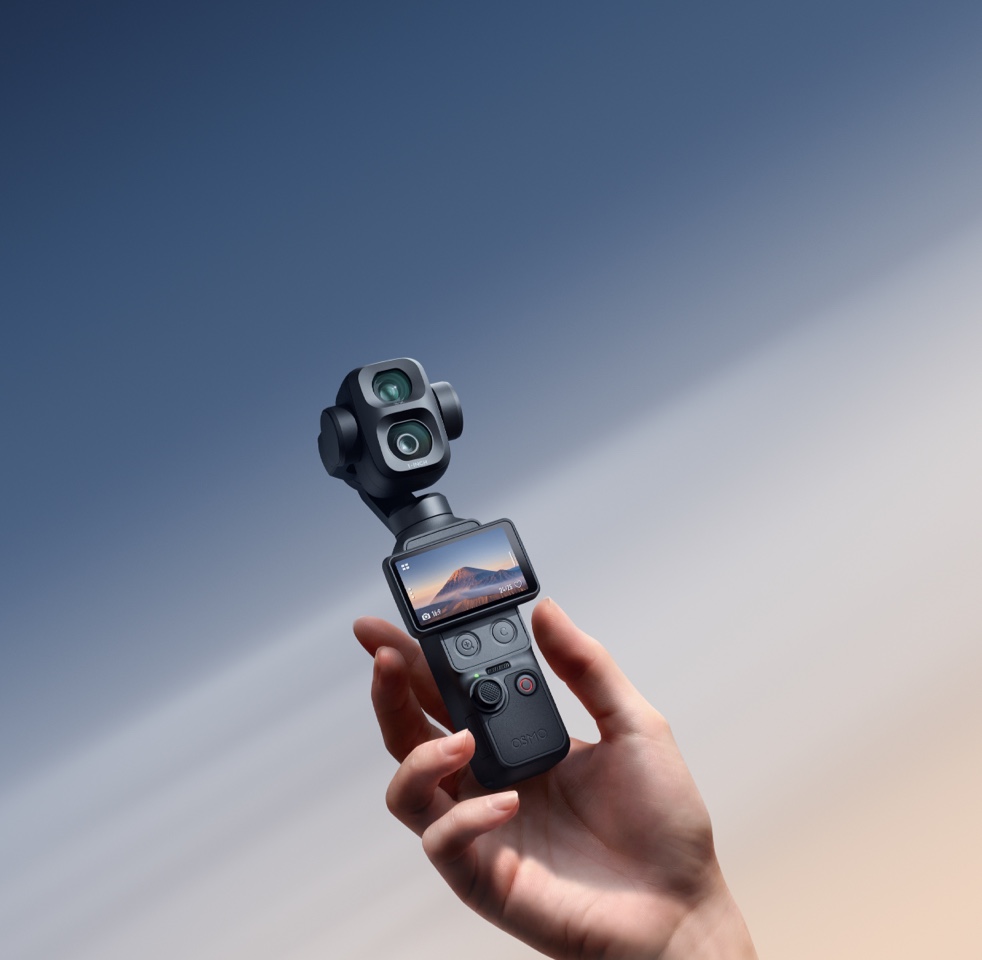
Pocket 4P uses a real 20mm wide camera and a separate 60mm mid-tele camera. The 60mm view is not a digital crop of the wide sensor. Higher zoom levels extend reach digitally, so each range should be used with a different expectation.
20mm: build the world.
Best for selfie vlogs, architecture, interiors, landscapes, groups, walking footage, and any shot where the environment helps explain the story.
60mm: isolate the point.
Best for portraits, products, food, tabletop work, performances, travel details, and tighter B-roll with more natural perspective and background separation.
Distance, with trade-offs.
Useful for stages, street details, signs, architecture, and distant subjects when moving closer is impossible. Strong light and stable technique matter more as digital magnification increases.
20mm for context. 60mm for intention.
The two cameras are colour-calibrated for a consistent look, but they are designed around different priorities. The wide camera gives you maximum dynamic-range flexibility. The mid-tele camera gives you a more flattering, selective perspective.

Show where you are.
The 20mm view is the default storytelling lens for movement, travel, interiors, groups, and high-contrast scenes where the background matters.
- SensorNew 1-inch CMOS
- Aperturef/2.0
- Focus range0.09m to infinity
- Slow motionUp to 4K/240fps
- Colour workflow10-bit D-Log 2 at 1x

Show what matters.
The dedicated 60mm camera creates tighter, more natural-looking framing without forcing a wide lens close to a face, product, plate, or performer.
- Sensor1/1.28-inch CMOS
- Aperturef/1.8
- Focus range0.2m to infinity
- Slow motionUp to 4K/200fps
- Visual advantageNatural bokeh and perspective
Eight shots. One simple lens rule.
Start wide when the viewer needs orientation. Move to 60mm when the viewer already understands the scene and needs a reason to care. The following shot patterns turn that rule into a repeatable workflow.
Travel arrival
Start at 20mm. Establish the street, hotel, station, landscape, or neighbourhood before cutting tighter.
- Walk-and-talk introduction
- Architecture and skyline
- Group and environment
Travel detail
Switch to 60mm. Pull out signs, textures, food, storefront details, performers, and distant moments without entering the scene.
- Menus and local objects
- Street performers
- Distant architectural detail
Talking-head vlog
Use 20mm when speaking to camera. It keeps your face, hands, and surroundings visible in a handheld frame.
- Selfie introduction
- Walking commentary
- Two-person conversation
Portrait cutaway
Use 60mm for a more flattering look. The longer perspective reduces wide-angle facial distortion and gives the background more separation.
- Interview profile
- Fashion and lifestyle
- Quiet reaction shots
Product demonstration
Use the 60mm camera and Product Showcase focus. Keep the object prominent while avoiding the exaggerated shape a close wide lens can create.
- Phones and electronics
- Accessories and unboxing
- Handheld product detail
Food and tabletop
Use 60mm around the 0.2m minimum focus distance. It is a practical focal length for plates, coffee, skincare, jewellery, and compact desktop scenes.
- Hero plate and drink
- Ingredient detail
- Small-business social content
Event coverage
Use 20mm for crowd energy, then 60mm for people. The pair creates a complete edit without moving through every guest or blocking the audience.
- Room and crowd opener
- Speaker or performer
- Reaction and detail B-roll
Real estate and retail
Use 20mm for layout, 60mm for finish. Wide shows the space; mid-tele shows materials, merchandising, signage, and premium details.
- Walkthrough and floor flow
- Fixtures and finishes
- Product displays and service moments
Closer framing without crowding the subject.
A wide lens makes the nearest facial features appear larger when the camera is held close. The 60mm camera lets you stand farther back while keeping the same subject size, producing a more natural perspective for portraits and interviews.
The f/1.8 aperture also helps the background fall away more naturally, especially when the subject is separated from the background and there is enough available light.
This is not only a beauty feature. It also changes how people behave on camera. A performer, customer, speaker, or child can act more naturally when the camera is not pushed directly into their personal space.
Wide puts the viewer inside the scene. Sixty millimetres lets the subject breathe.
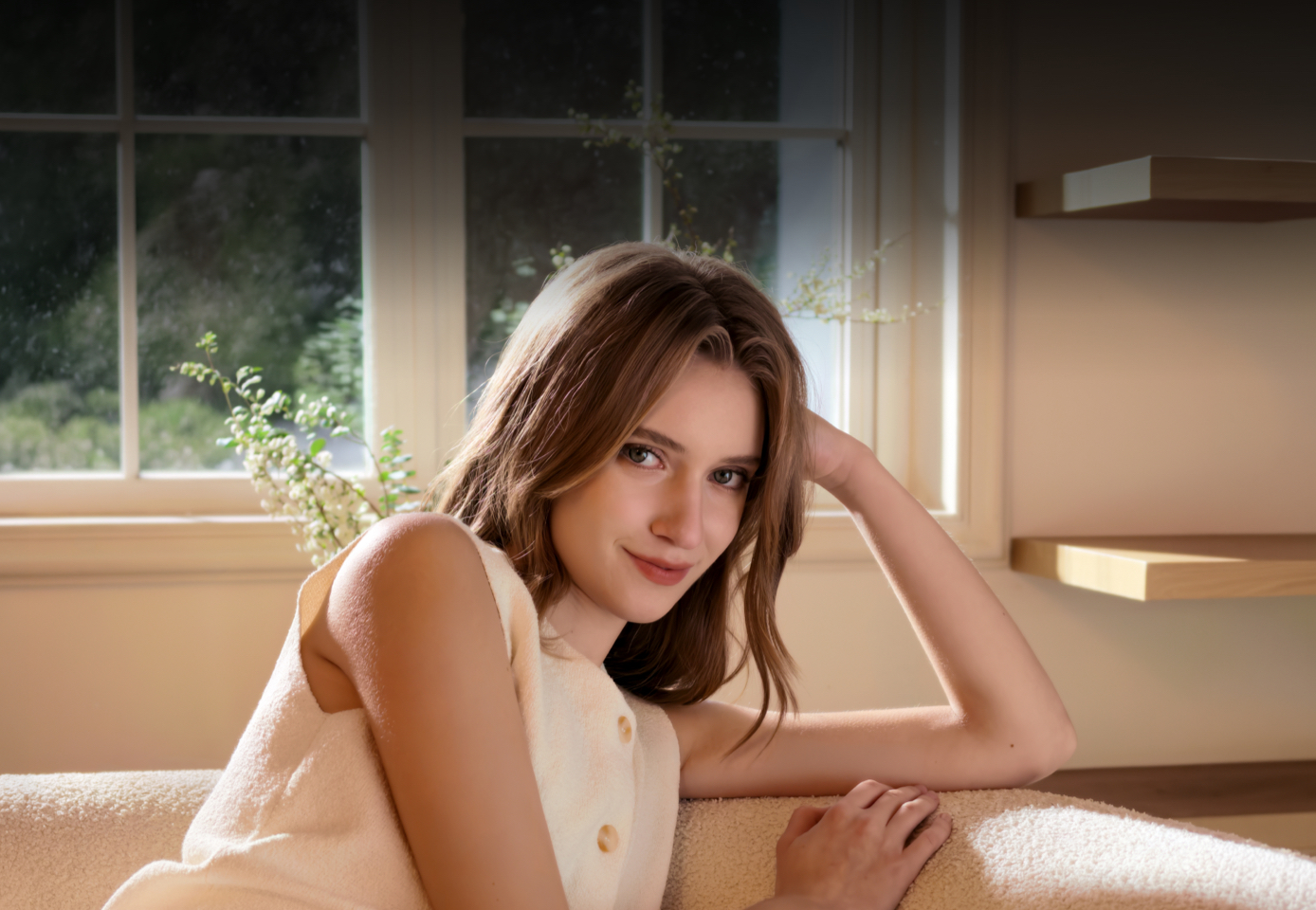
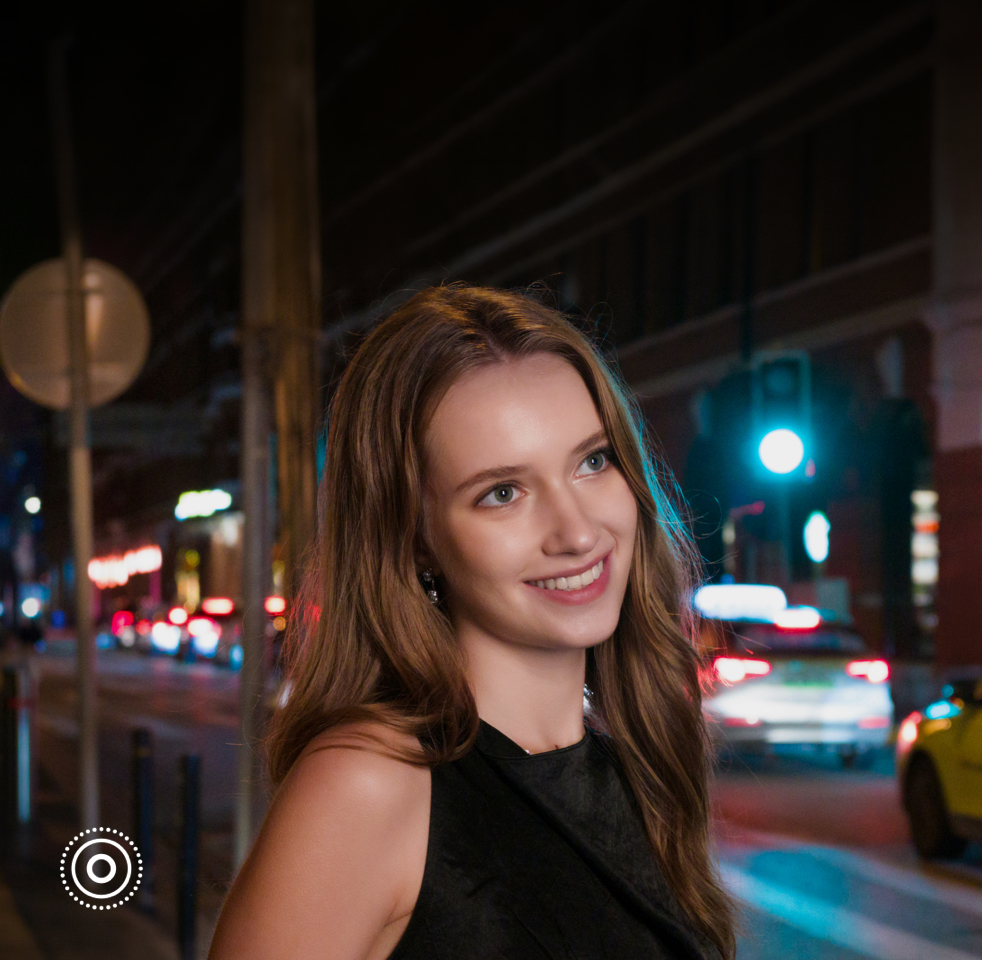
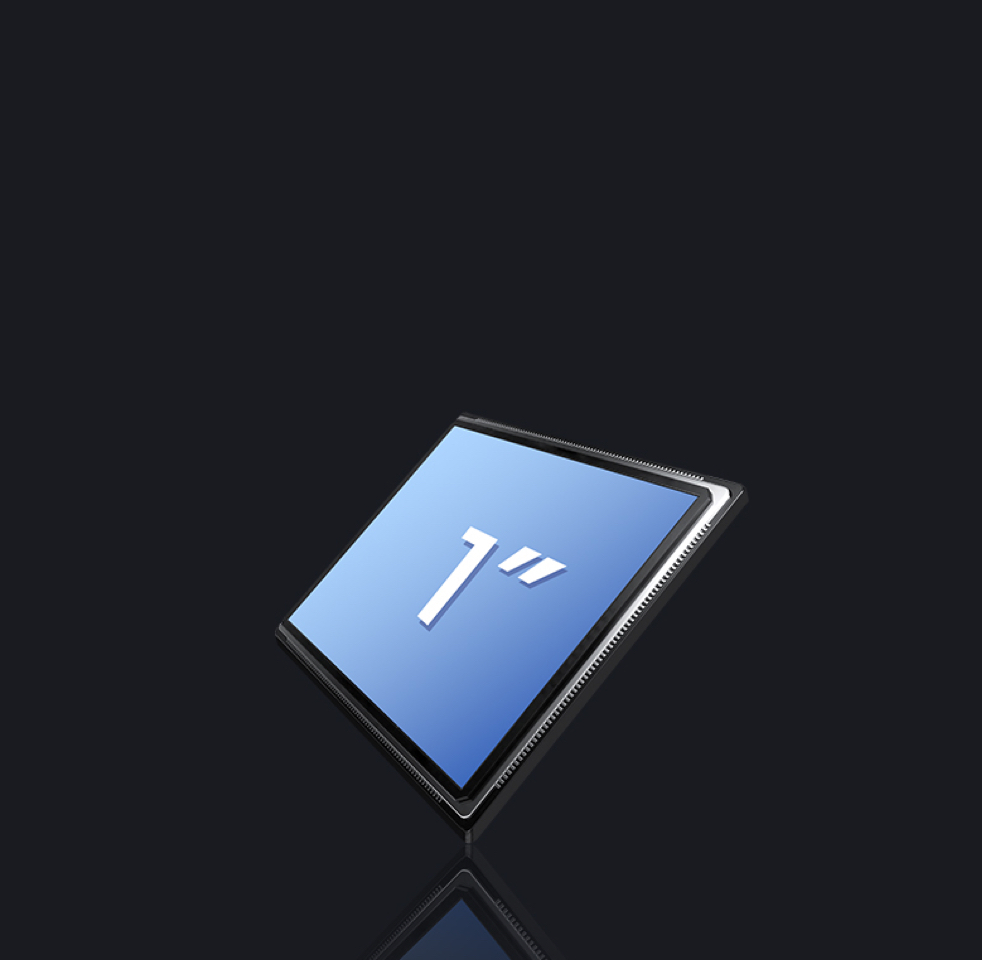
The widest dynamic range belongs to the wide camera.
DJI states that the new D-Log 2 profile can reach up to 17 stops of dynamic range, but 10-bit D-Log 2 is available only at 1x, using the 20mm wide camera.
That makes the wide camera the stronger choice for bright windows, backlit portraits, sunsets, reflective streets, and scenes where you intend to recover highlights and shape contrast in post.
The 60mm camera should be chosen for perspective and subject isolation, not because it duplicates every wide-camera colour feature. Treat the two lenses as complementary tools rather than interchangeable cameras.
Slow motion works near and far.
The wide camera reaches up to 4K/240fps slow motion, while the 60mm camera reaches up to 4K/200fps. That gives creators two different slow-motion looks: immersive movement with the wide lens and compressed, subject-led motion with the mid-tele lens.
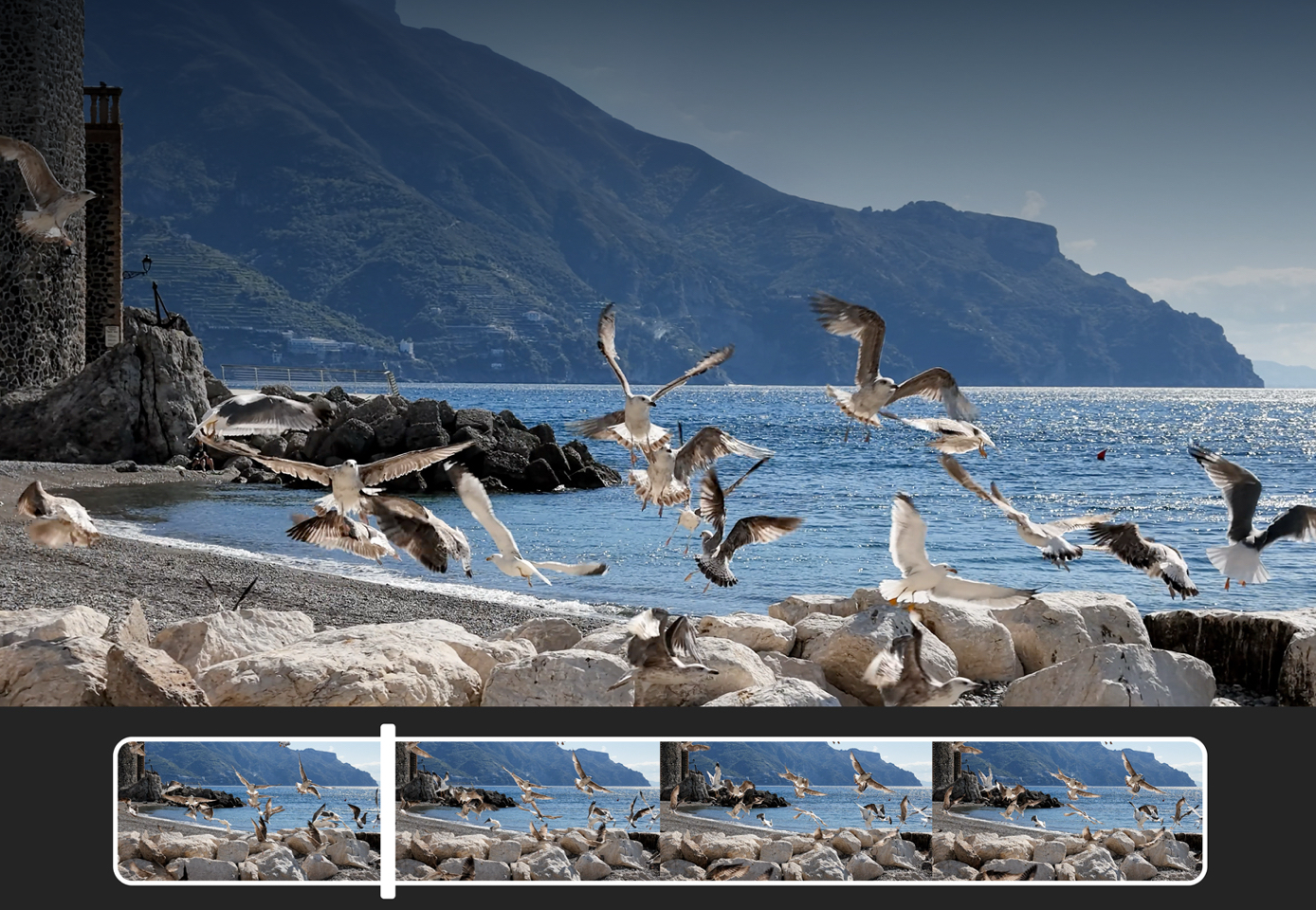
When 60mm is not the answer.
The mid-tele camera is the feature that makes Pocket 4P special, but using it for every shot would make the footage tighter, less flexible, and sometimes harder to stabilize or compose.
Choose 20mm indoors.
In a car, tiny room, crowded shop, elevator, or close selfie position, 60mm may be too tight to frame the subject comfortably.
Choose 1x for maximum grading latitude.
DJI limits 10-bit D-Log 2 to 1x, so high-contrast professional workflows should begin with the wide camera.
Test before committing.
The f/1.8 aperture helps, but the 60mm module uses the smaller sensor. Avoid assuming it will outperform the 1-inch wide camera in every dark scene.
Use 20mm for arm's-length framing.
The 60mm view is intended for a camera positioned farther from the subject, not a handheld selfie camera close to the face.
Reach is not the same as optical quality.
The dedicated 60mm camera provides the optical 3x perspective. Higher zoom settings rely on digital magnification and benefit from strong light and stable framing.
Set the focal length first.
DJI notes that zooming is unavailable while Multi-Person Tracking is active. Choose the framing before enabling the mode.
Who should actually buy Pocket 4P?
- You regularly shoot people, products, food, performances, or travel details.
- You want a real 60mm optical camera rather than relying entirely on digital crop.
- You need wide establishing shots and tighter B-roll in the same compact device.
- You care about D-Log 2, highlight recovery, and a more deliberate post-production workflow.
- You value a 230g stabilized camera more than carrying a larger interchangeable-lens system.
- You will use the 60mm perspective often enough to justify moving beyond a single-camera Pocket model.
Pocket 4P lens questions, answered.
The key is understanding which features belong to the 20mm wide camera, which belong to the 60mm optical camera, and where digital zoom begins.
Is the Pocket 4P 60mm camera a real optical lens or a digital crop?
It is a separate physical 60mm equivalent optical camera with its own 1/1.28-inch CMOS sensor. DJI states that it is not a crop from the 20mm wide camera.
Do the 20mm and 60mm cameras record at the same time?
No. Pocket 4P switches to the corresponding camera based on the selected zoom level. It does not merge simultaneous recordings from both cameras into one image.
When should I use the 20mm camera?
Use 20mm for selfie vlogs, travel scenes, groups, interiors, architecture, walking shots, landscapes, and D-Log 2 recording in high-contrast scenes.
When should I use the 60mm camera?
Use 60mm for portraits, products, food, tabletop scenes, stage performances, street details, interviews, and any shot that benefits from tighter, more natural perspective.
Does D-Log 2 work on the 60mm camera?
DJI states that 10-bit D-Log 2 is supported only at 1x zoom, which is the 20mm wide-camera workflow.
Can the 60mm camera focus closely enough for products and food?
The listed focus range begins at approximately 0.2m, making it useful for handheld products, plates, coffee, skincare, jewellery, electronics, and other tabletop subjects.
What slow-motion modes do the two cameras support?
The wide camera supports slow motion up to 4K/240fps. The 60mm mid-tele camera supports slow motion up to 4K/200fps.
Is 12x zoom optical?
No. The dedicated 60mm camera provides the optical 3x perspective relative to the 20mm wide camera. Higher zoom levels extend the view digitally.
Is Pocket 4P good for small-business content?
Yes. The combination of a wide establishing camera, a tighter product-friendly camera, Product Showcase focus, mechanical stabilization, built-in storage, and compact size is useful for retail, restaurants, real estate, events, and social-media production.
Where can I check Pocket 4P availability in Canada?
Contact SpeedyDrone Canada for current Canadian availability, bundle guidance, compatible accessories, Toronto pickup, and Canada-wide shipping information.
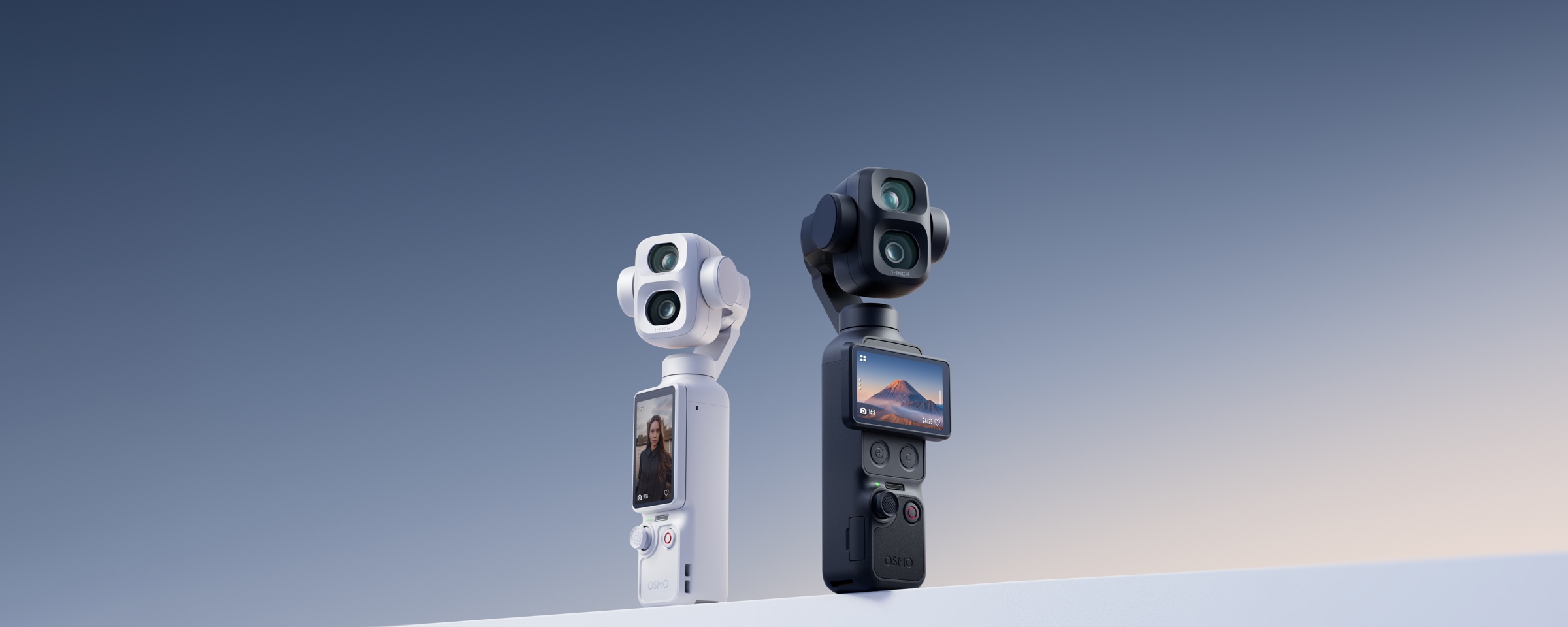
Two perspectives. One camera you will actually carry.
Need help deciding whether the 60mm camera is worth the upgrade for your workflow? Contact SpeedyDrone Canada for current availability, bundle options, compatible accessories, and local product guidance.


