


Pocket 4 audio workflow · Features and package contents checked October 18, 2026
Pocket 4's built-in microphones can be enough for nearby narration and everyday atmosphere. Use a wearable DJI Mic when the speaker moves away, an interview needs two voices, or an important take needs an independent recording. Choose between Mic 3 and Mic Mini 2S by the production you actually run—not an unsupported sound-quality ranking.
Already own the Creator Combo? Check its included Mic 3 transmitter first. You may have the microphone you need. This guide separates three decisions: where to capture speech, how to connect the transmitter, and which files you will have available in the edit.
Find your audio answer
Is Pocket 4's Built-in Microphone Good Enough?
Start with the camera's microphones when you are speaking nearby in a quiet room, recording a quick travel update, or deliberately collecting room and street sounds. There is nothing extra to charge or attach. Keep your fingers away from the microphone openings and listen to a sample before recording the whole sequence.
Camera position is also microphone position. A composition that looks better farther away may leave the voice quieter relative to traffic or conversation. In PRO, Pocket 4 offers Front, Front and Back, and All directional-audio options. Its built-in gain is not manually customisable, according to DJI's Pocket 4 FAQ; external-transmitter gain is a separate control.
When Should You Use an External Microphone?
Choose a wearable transmitter when you need the microphone to stay close to a moving speaker while the camera changes distance. A walk-and-talk, presenter demonstration or seated interview can benefit from that separation. It is the placement advantage that matters first.
Clip the transmitter where the capsule stays clear of fabric, jewellery and hair. Use the appropriate windscreen outdoors and test head turns and walking. Noise cancellation can change the recorded voice; compare it with processing off rather than assuming the strongest setting always sounds most natural. Moving away from an espresso machine may help more than changing a menu.
DJI Mic 3 vs Mic Mini 2S for Pocket 4
Both support direct Pocket 4 connection and transmitter-side 24-bit or 32-bit float recording. A receiver is not required for the direct camera link. The table compares recording paths, not a laboratory listening test.

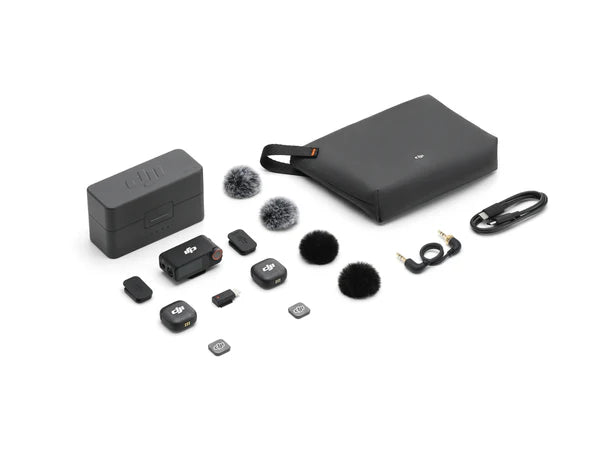
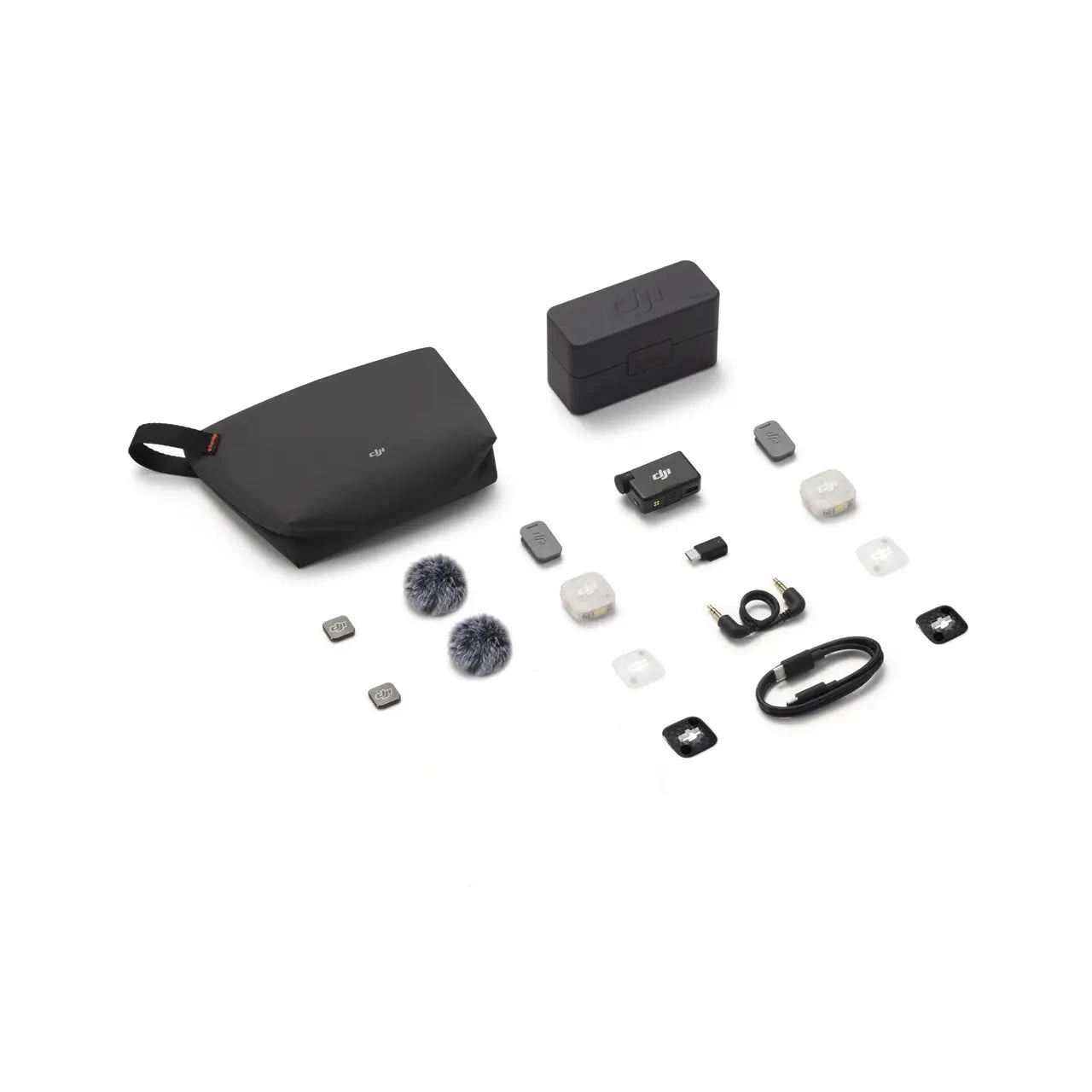
| For Pocket 4 | Built-in | DJI Mic 3 | DJI Mic Mini 2S |
|---|---|---|---|
| Microphone location | Camera body | Wearable transmitter | Wearable transmitter |
| Extra equipment | None | Compatible TX; charging/export route | Compatible TX; charging/export route |
| Direct connection | Native | Supported; camera limit two TX | Supported; camera limit two TX |
| Independent TX files | Not applicable | 24-bit / 32-bit float WAV | 24-bit / 32-bit float WAV |
| Why choose it? | Nearby speech and atmosphere | Existing Creator TX or broader production system | Compact wearable audio with internal backup |
On a phone, swipe the table to read all options.
Mic 3's wider system includes timecode and multi-receiver production features. Those are not automatically available through Pocket 4's direct connection. For the full system decision, use the Mic Mini 2S vs Mic 3 comparison. Neither model's internal recording guarantees that wind, clothing noise or every form of distortion can be repaired.
How to Connect a Wireless Mic to Pocket 4
Update the camera and transmitter as appropriate, charge both and confirm the exact supported model. DJI's direct-connection guidance includes Mic 3 and Mic Mini 2S for Pocket 4.
- Swipe down on Pocket 4 to open Control Center, then select Wireless Microphone.
- Choose an available transmitter slot, TX1 or TX2 where shown, and start linking. Follow the current screen prompts; labels can vary with firmware.
- Power on the transmitter and enter linking mode. For Mic 3 or Mini 2S, hold the linking button for two seconds, following DJI's Pocket 4 Series pairing instructions.
- Confirm Connected on the camera and a solid-blue transmitter status light, then check the level indication while that person speaks. Check that the transmitter is not muted.
- Record a short test, stop and play it back. Test the actual wearing position and camera distance, not only a microphone beside the screen.
Connection and internal recording are separate checks. If you want a transmitter backup, enable the intended recording mode, confirm its recording status and verify that the resulting file can be exported.
Can You Record Two People?
Yes: Pocket 4 can directly connect two supported transmitters. Put one on each speaker and check them individually before the conversation. Have the first person speak while the second stays quiet, then reverse the test. This catches the wrong assignment, a muted transmitter or an unexpectedly poor wearing position.
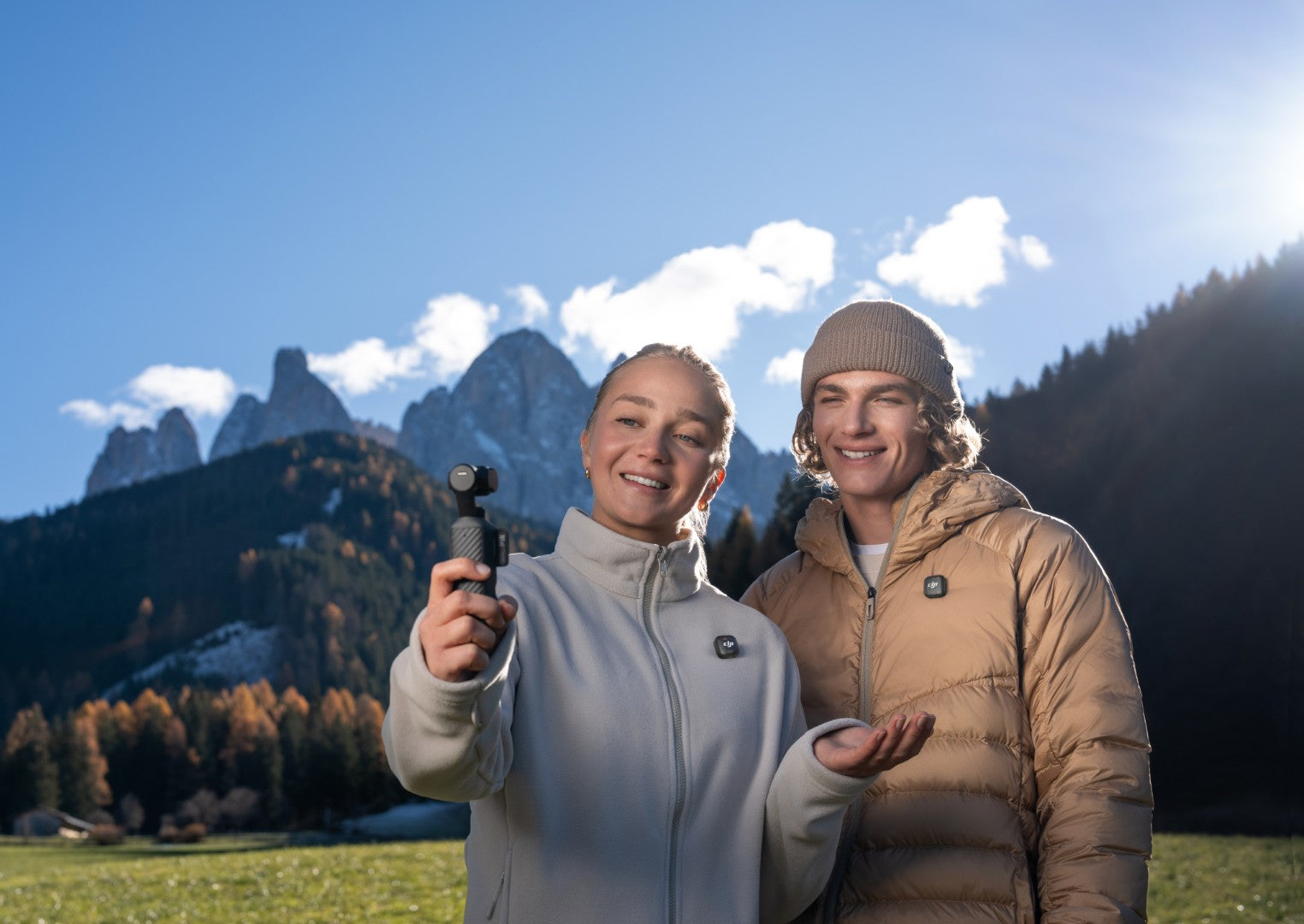
A receiver system advertising four transmitters does not increase Pocket 4's two-transmitter direct limit. Plan another recording system if the brief requires more independently recorded speakers.
Pocket 4's Four-Channel Audio Explained
Four channels means two stereo tracks, not four wireless microphones. DJI describes transmitter audio on Track 1 and the camera's built-in stereo sound on Track 2. With one transmitter, Track 1's left and right contain the same source; with two, the speakers occupy separate left and right channels.
Check Audio Backup before relying on the ambience track. The current Pocket 4 manual provides an Audio Backup setting and allows built-in audio as a separate .aac file or an additional video track. Select the embedded-track option for this workflow and inspect a test clip. The manual excludes Timelapse, Webcam and DisplayPort transmission from Audio Backup.
One video. Two layers of sound.
Supported DJI transmitters connected · embedded Audio Backup selected
In the edit: adjust each voice and the stereo atmosphere separately.
For a cafe vlog, the wearable mic carries the narration while the built-in pair retains the coffee machine and room. In the editor, inspect clip-channel mapping, separate the two voices into mono channels when needed, and keep ambience stereo. Lower the atmosphere under speech, then bring it back between sentences. A default preview may play transmitter audio, so listen to each source separately.
These camera tracks are distinct from the transmitter's internal WAV files. Four-channel video does not establish that 32-bit float audio has been embedded in the movie.
Which Microphone Is Best for Your Content?
For casual travel diaries, try built-in audio before adding gear. For a moving presenter or regular interviews, a compatible wearable TX makes placement more consistent. Mini 2S is a compact route to wearable capture and internal backup. Mic 3 makes sense when you already own its Creator transmitter or need its wider production system.
For paid work, define the backup and delivery requirements first. Buying the larger system does not replace a connection, placement and file-recovery check.
Common Recording Mistakes
- Seeing a transmitter and assuming it is connected. Speak, watch the indication and check playback.
- Hiding the capsule under clothing. Listen while turning and walking; fix rubbing before recording.
- Expecting processing to defeat wind. Fit the windscreen and improve the position or location.
- Confusing level controls. Pocket 4's built-in gain and external-transmitter settings are different.
- Having no usable backup. Confirm internal recording, remaining storage and a working export method; keep the original files.
Recommended Audio Test: Three Setups, Same Scene
This is a proposed test, not a completed SpeedyDrone comparison. Repeat the same spoken passage with built-in audio, Mic 3 and Mini 2S. Document camera distance, transmitter placement, windscreen, gain and processing. Keep untreated originals, identify processed versions and level-match listening copies so louder does not automatically seem better.
| Scene | What to compare |
|---|---|
| Quiet room | Ordinary speech, room reflections and microphone distance. |
| Street background | Speech intelligibility and the effect of processing. |
| Wind outdoors | Windscreen, placement and movement noise. |
Swipe the table on a narrow screen.
Also import the camera clip and export a transmitter recording. A setup passes your practical check only when you can find and use the intended sources—not simply hear something during playback.
Which Pocket 4 Combo Should You Buy?
The Standard Combo is the starting point if built-in audio covers your work or you already own a compatible transmitter. The Creator Combo lists one DJI Mic 3 transmitter plus charging and wearing accessories. It does not mean you own the complete two-transmitter, receiver and charging-case microphone kit.
Existing Creator owners should test that transmitter before buying another solo kit. For interviews, count the missing speaker's transmitter; for other cameras or phones, verify the required receiver, charging and file-export accessories. The Mini 2S bundle guide covers those package differences.
Compare the DJI Mic Series in Canada and Pocket 4 collection against your inventory. Check the exact listing or ask SpeedyDrone to confirm kit contents and current availability before ordering.
Sources and scope
Feature and package review: October 18, 2026. Core sources: Pocket 4 FAQ, the linked Pocket 4 manual v1.2, Mic 3 FAQ, Mic Mini 2S FAQ and its OsmoAudio compatibility table. Camera labels and supported functions can change with firmware. The cafe and test plan are illustrative; no firsthand audio results are claimed. The cover uses a generated soundscape concept with authentic product photography.
Find the Right DJI Microphone for Your Pocket 4
Tell SpeedyDrone which Pocket 4 combo you own, how many people speak and which other devices you record with. Build around the equipment and connection path you actually need.


